

Configuration & Design
Templates allow you to define the structure, order, and details that appear in a Partner Listing. You can create an unlimited number of templates tailored to various needs, ensuring flexibility and precision in how partner information is presented.
Common Uses:
By Partner Type: Tailor listings for different categories, such as Agencies, Technology Partners, or Referral Partners.
By Partner Tier: Customize templates based on partner tiers, like Platinum, Gold, or Silver, to highlight distinctions and benefits for each level.
Templates are in the Admin -> Settings -> Templates
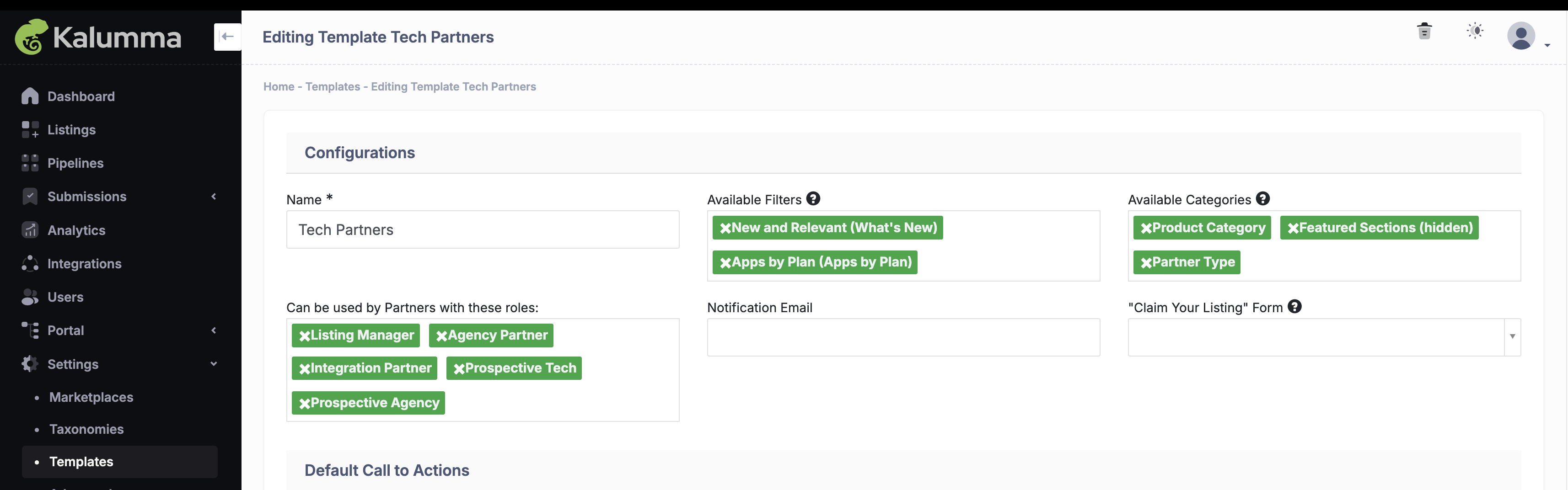
Set Defaults for Filters and Categories
Add the default filters and categories that will be available for partners associated with this template to select. By setting these defaults, you streamline the process for your partners, ensuring consistency across listings and making it easier for them to align with your desired structure. This setup helps maintain organization and enhances the searchability of listings within your marketplace
See Screenshot
Design your Template
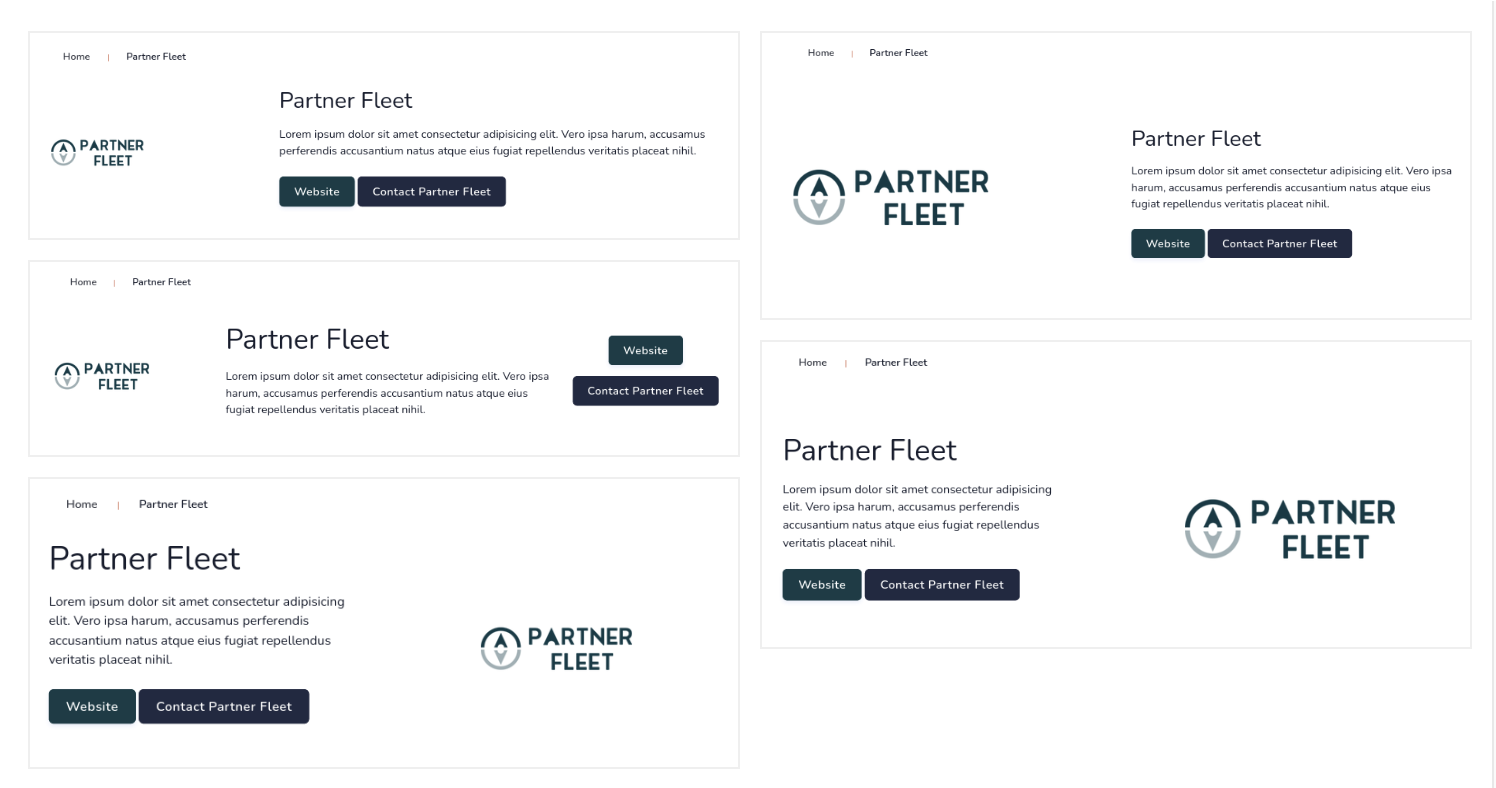
Select the optimal header and sidebar layouts from our default options to provide your customers and prospects with the best possible experience. A well-chosen layout can enhance navigation, making it easier for users to find the information they need quickly. It also helps create a cohesive and visually appealing interface, which can increase engagement and leave a lasting positive impression on your audience.
We have several default layout options:
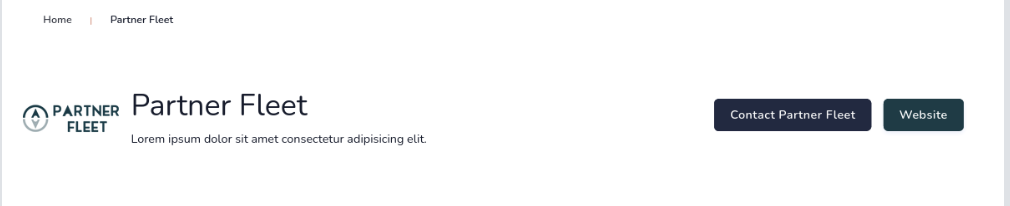
- Simple Top Header
See Screenshot
- Header with Hero Background
See Screenshot

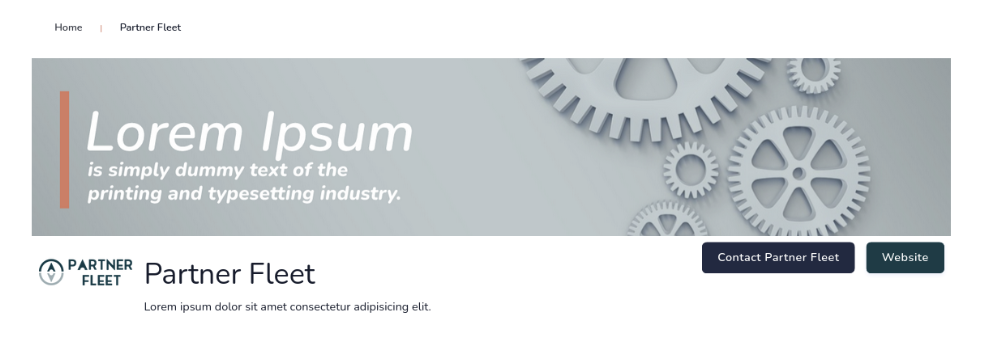
- Header with Banner Image
See Screenshot
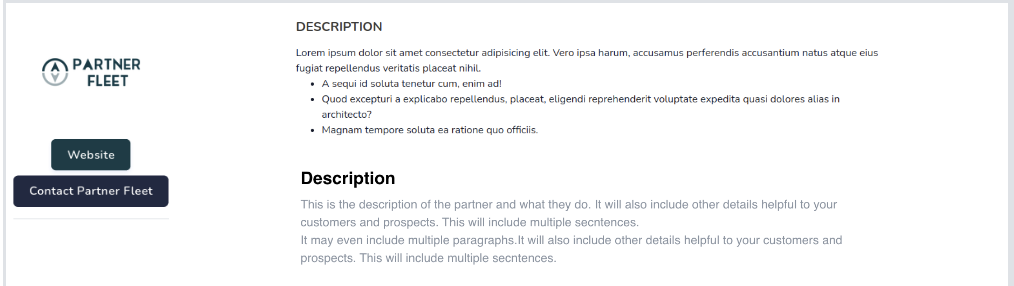
- Sidebar Header
See Screenshot
- Sidebar Header Card
See Screenshot
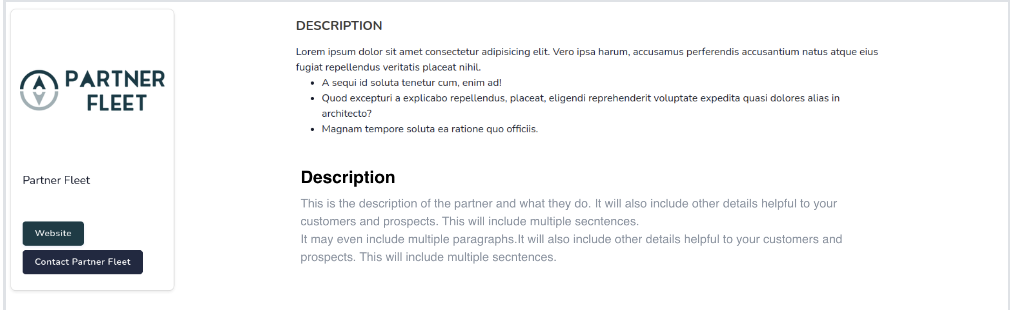
- Single Column Layout - where you can choose between a variety of headers.
See Screenshot
Updated 12 months ago