

PartnerStack Integration
Benefits of enabling the PartnerStack integration
- For mutual customers: partner accounts now seamlessly sync between PartnerStack and Partner Fleet — with automatic provisioning of accounts from PartnerStack directly into Partner Fleet.
- For PartnerStack customers: leads generated from marketplaces you’re listed on (that are powered by Partner Fleet) can be sent directly into PartnerStack and attributed to your partner’s marketplace.
- For Partner Fleet customers: you can see the status of leads submitted from your marketplace into your partners’ PartnerStack accounts within Partner Fleet.
Steps to enable the integration in your Marketplace
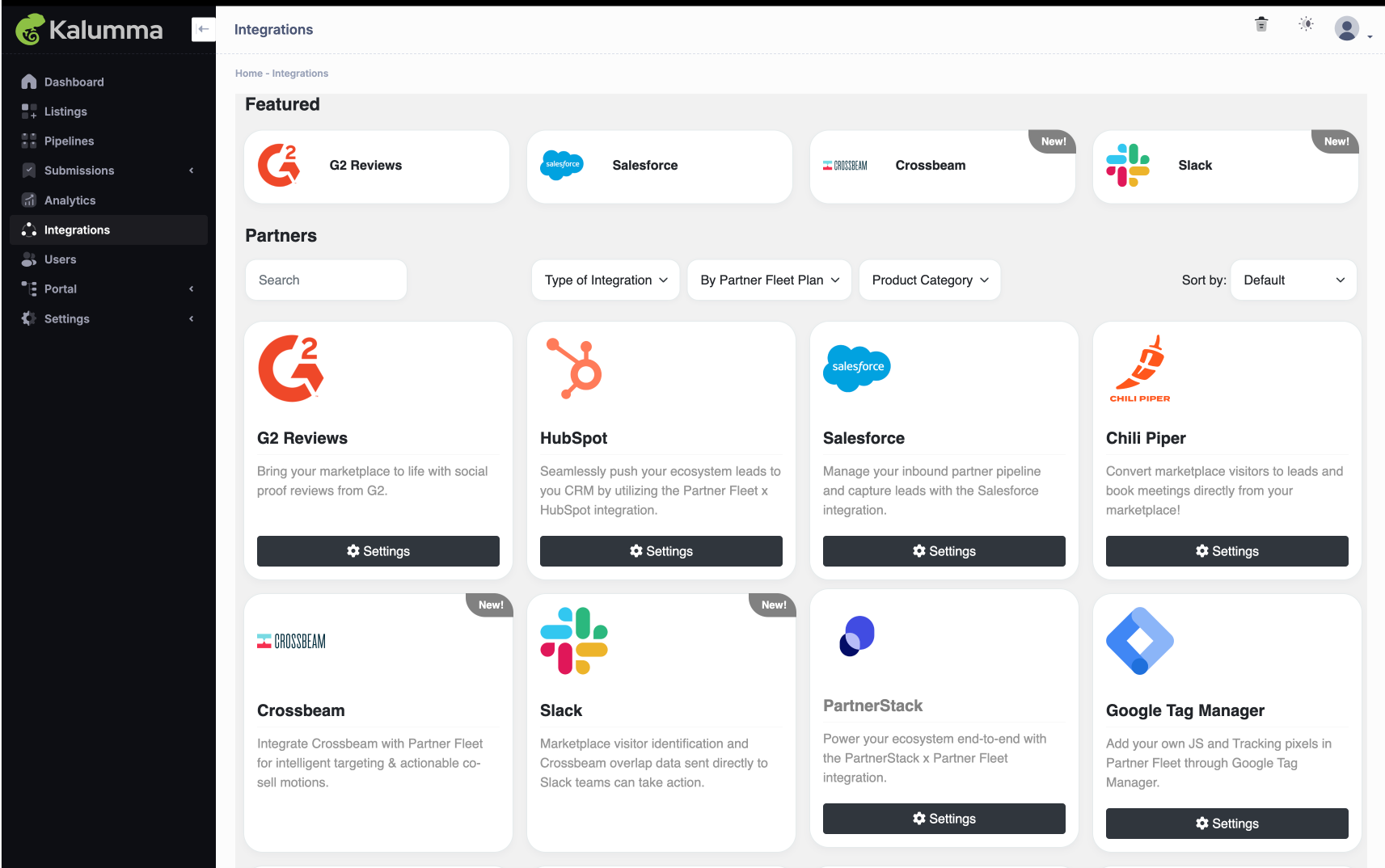
- Go to Integrations
- Click on the PartnerStack card and enable
See Screenshot
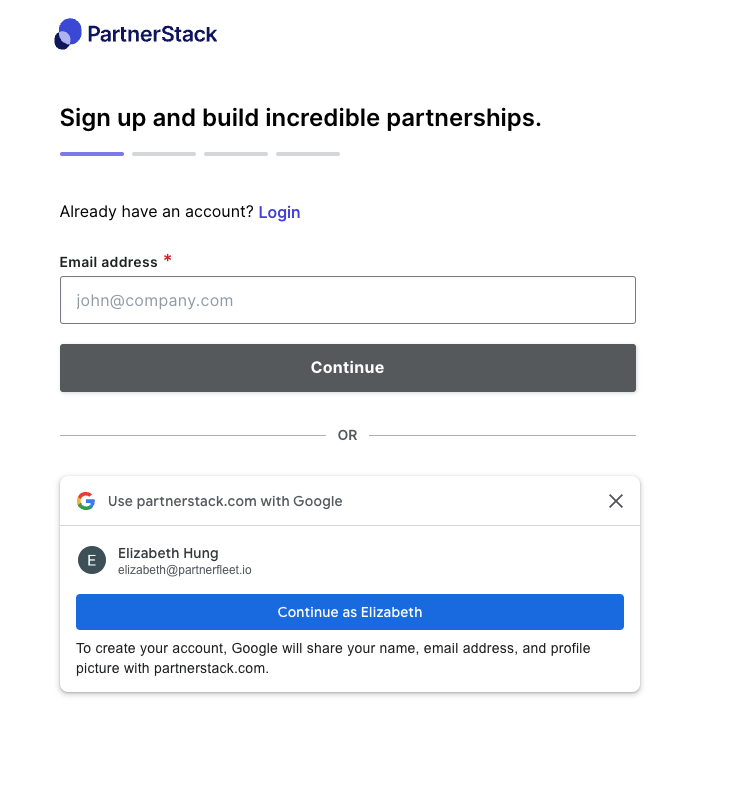
- If you are not already logged into app.partnerstack.com, you will be prompted to log into PartnerStack. Make sure your PartnerStack account has been assigned either admin and/or integration permissions to successfully connect.
See Screenshot
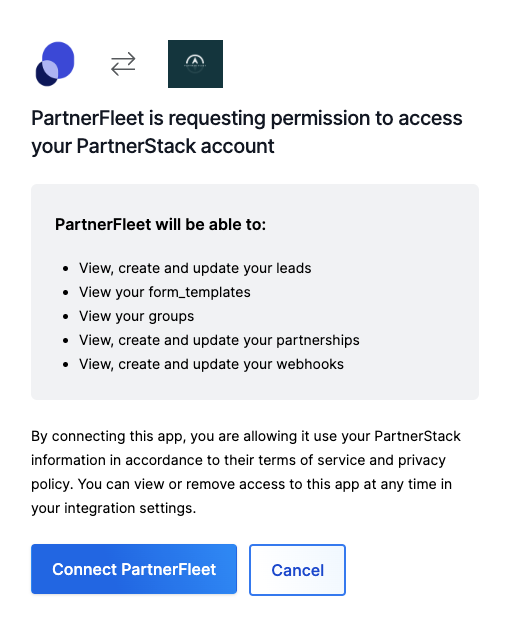
- Click on the Connect Partner Fleet button to grant Partner Fleet access to your PartnerStack account.
See Screenshot
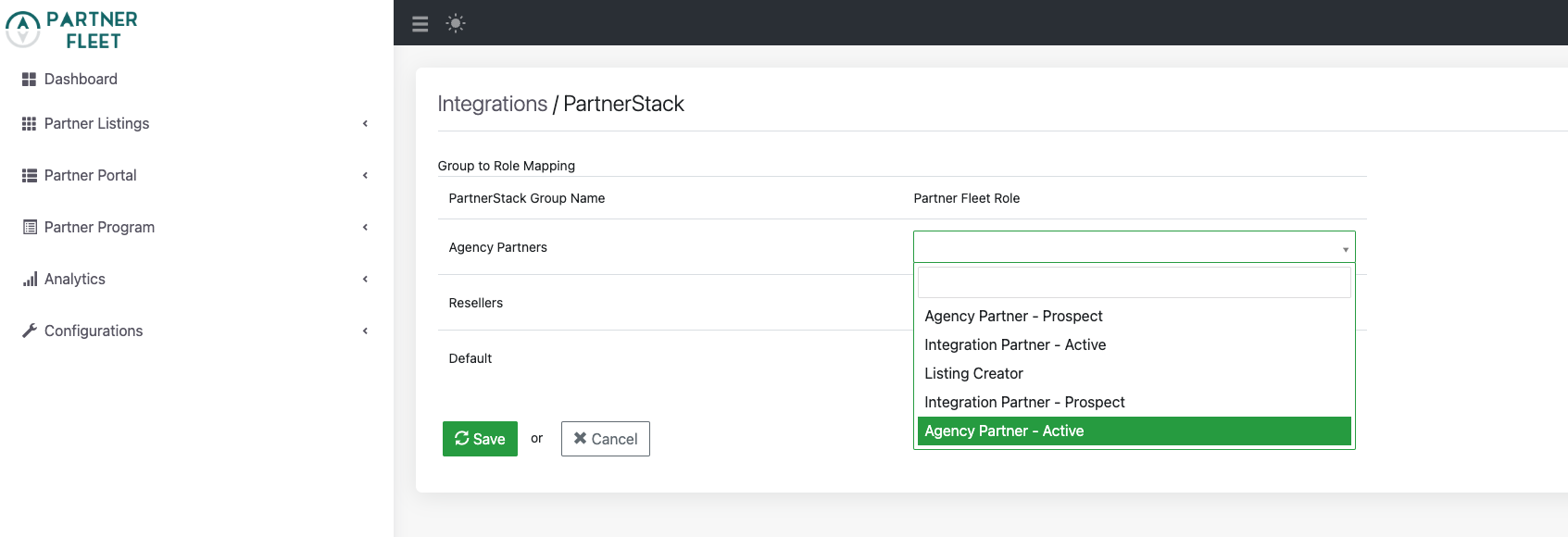
- Choose which PartnerStack Groups you would like mapped to your Partner Fleets Roles. If there is a Group you do not want to map just leave the Role blank, make sure to save!
See Screenshot
- In your PartnerStack account, ensure that you add your marketplace's domain to the group's Link Destination.
See Screenshot
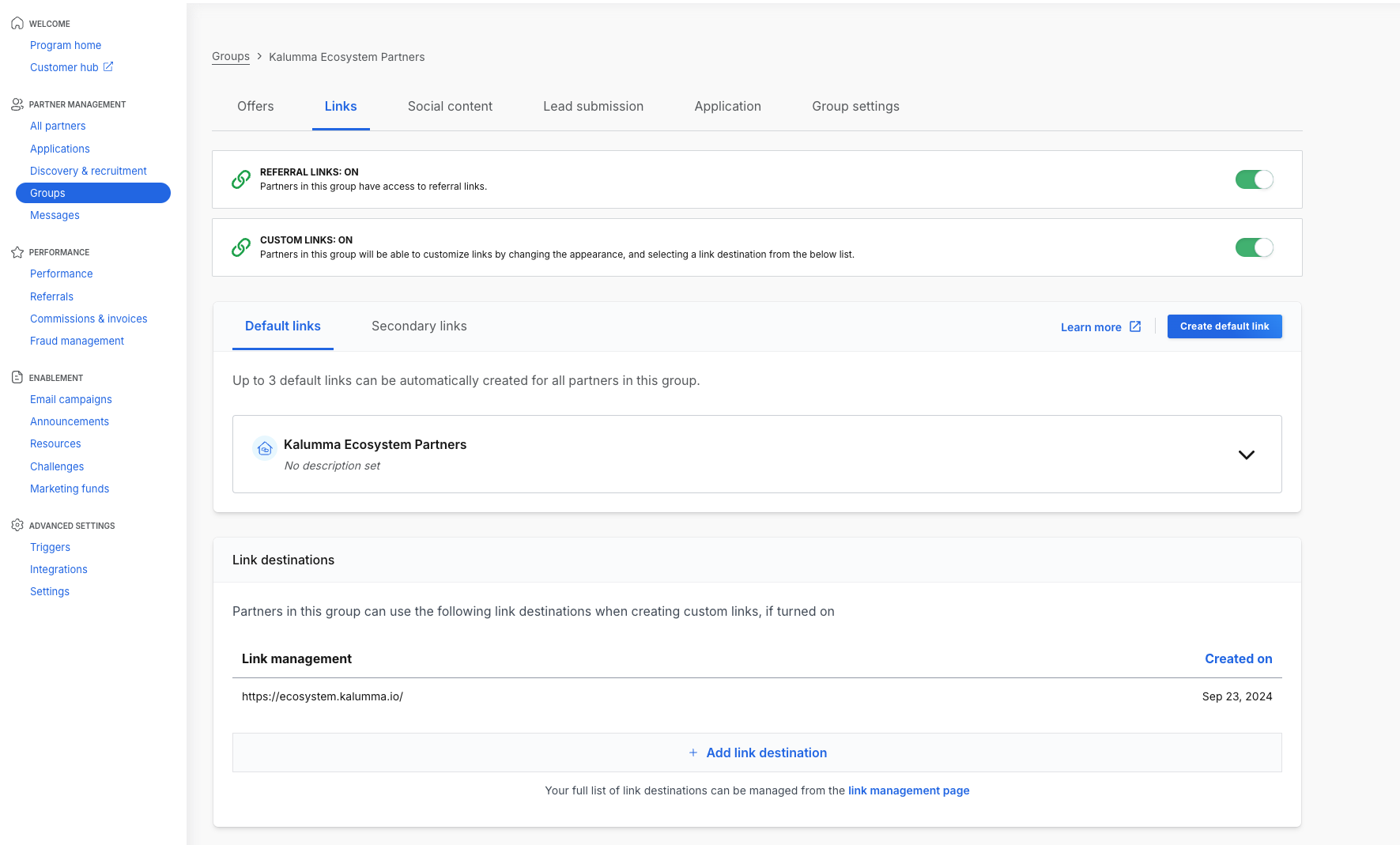
The integration setup is complete, now any time a partner is created in PartnerStack it will automatically be provisioned into Partner Fleet.
Steps for your partners to enable the integration
Before having your partners enable the PartnerStack integration in their Partner Fleet account please make sure they have integration permissions within Partner Fleet which you can verify in Configurations -> Roles & Permissions.
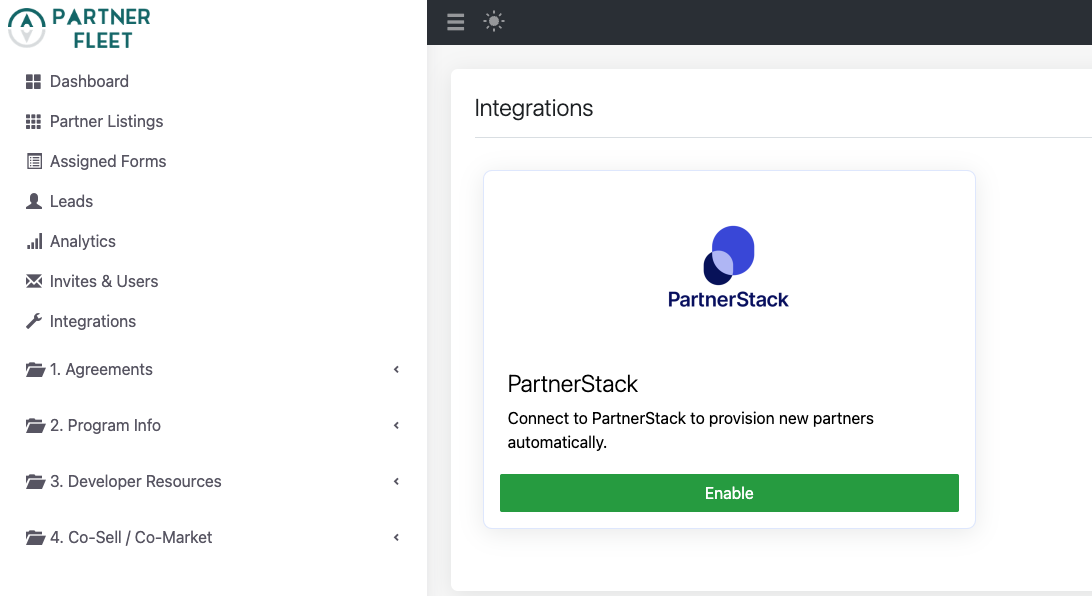
- Click on Integrations in the lefthand nav section.
- Click on Enable. If the partner is not already logged into app.partnerstack.com. They will be prompted to log into PartnerStack. Make sure the PartnerStack account has been assigned either admin and/or integration permissions.
See Screenshot
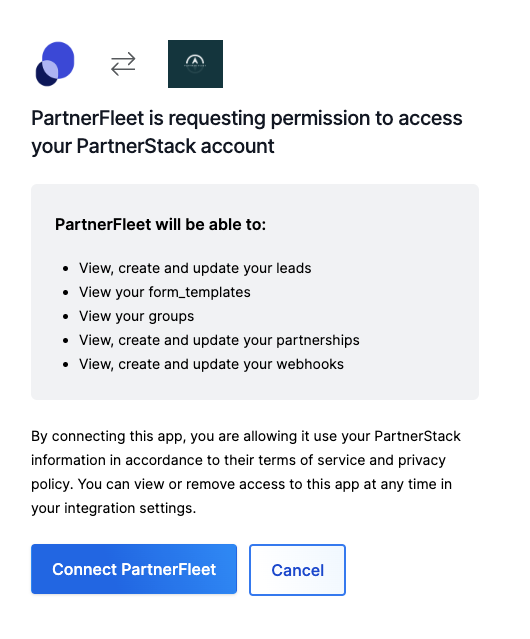
- Click on the Connect Partner Fleet button to grant Partner Fleet access to your PartnerStack account.
See Screenshot
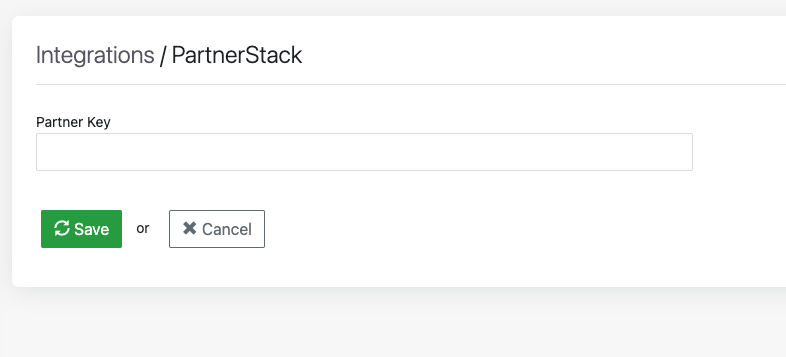
- Once connected the partner will be prompted to enter in your PartnerStack Partner Key, which they can find in app.partnerstack.com Partner Management -> All Partners. Add the Partner Key
See Screenshot
See Screenshot
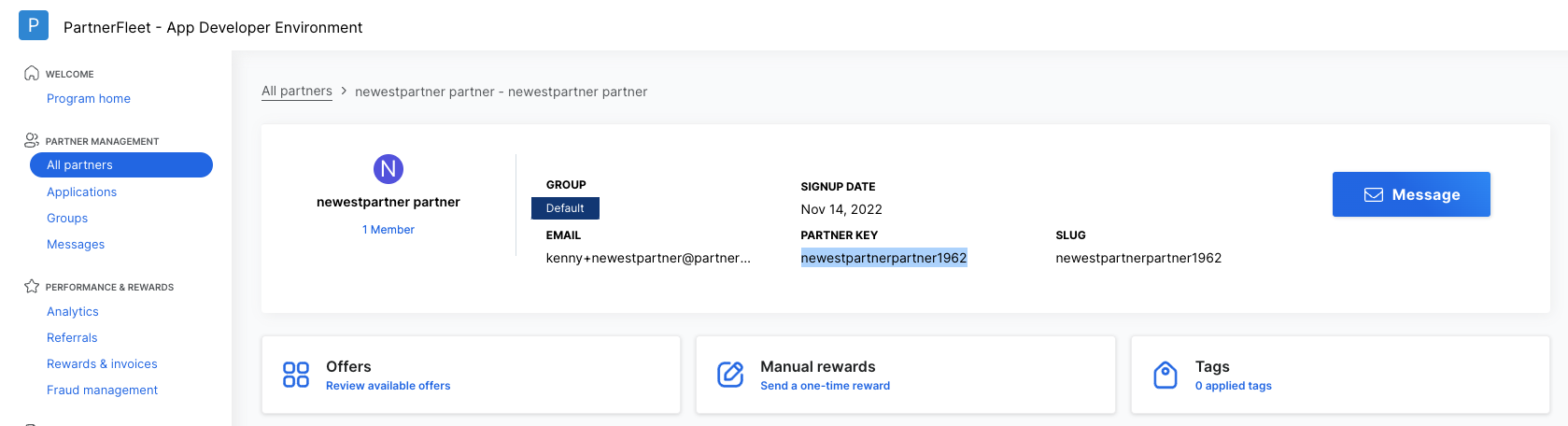
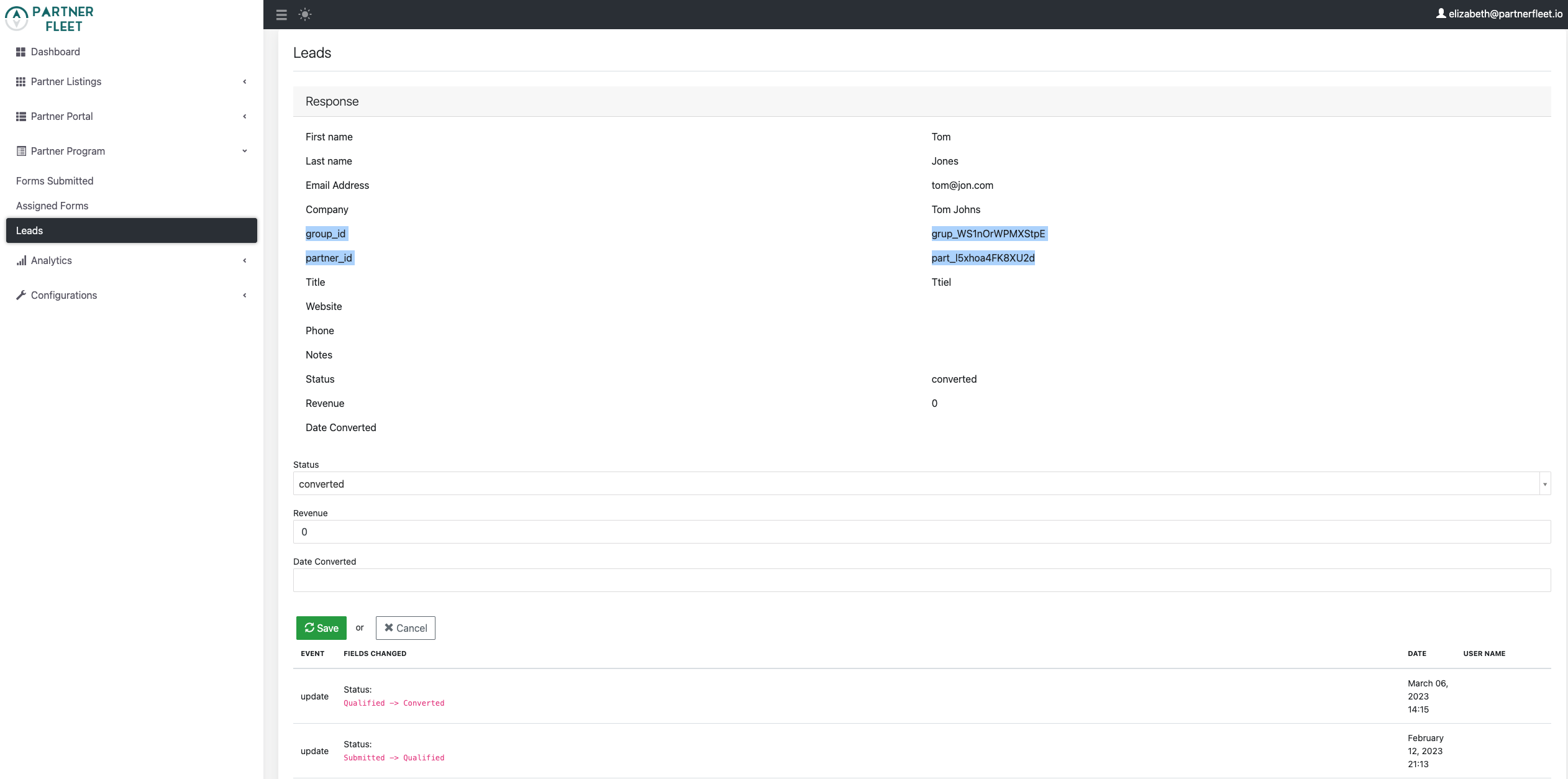
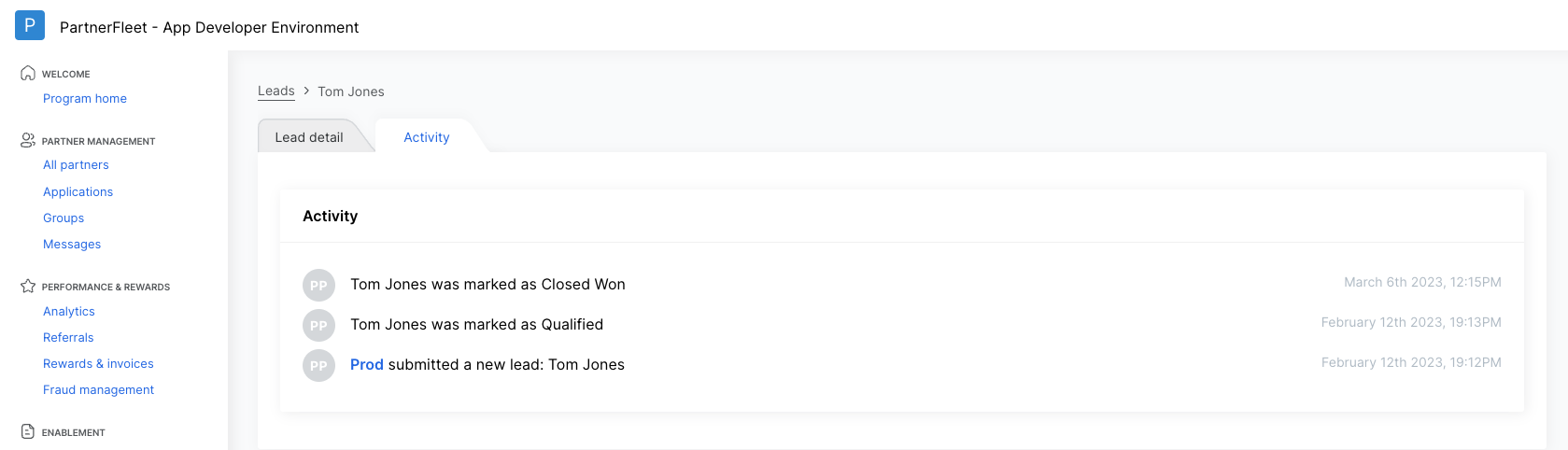
- Once the Partner Key is entered in Partner Fleet, click save. The partner’s PartnerStack integration setup is complete. Your partner is now able to associate all leads generated from their listing on your Marketplace and the lead status is synced between PartnerStack and Partner Fleet.
See Screenshot
See Screenshot
Walkthrough video
Updated over 1 year ago
Did this page help you?