

Initial setup
Creating your Partner Account
To begin updating and managing your listing you will first need to create your partner account. In most cases you will receive an email invite in your inbox. If you don't see it in your inbox check spam or promotions.
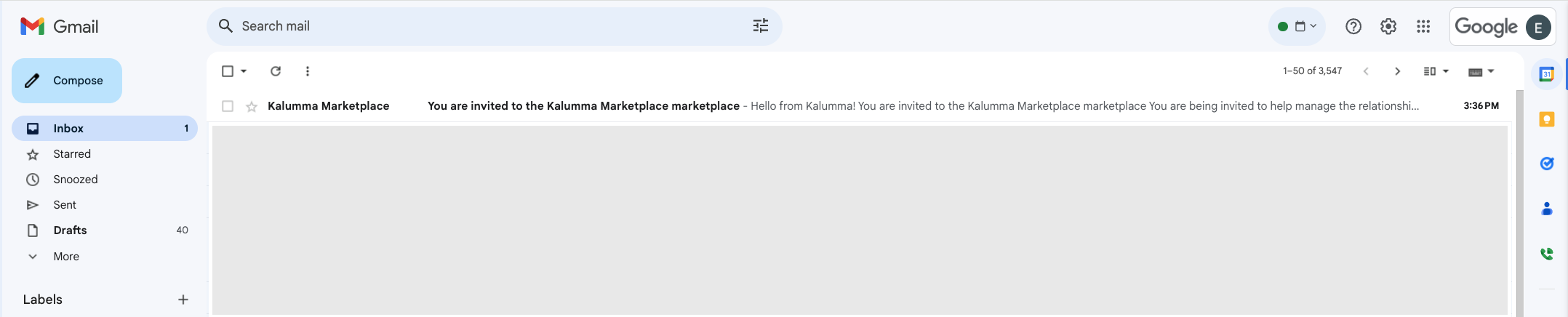
The email will look similar to this example.
See Screenshot
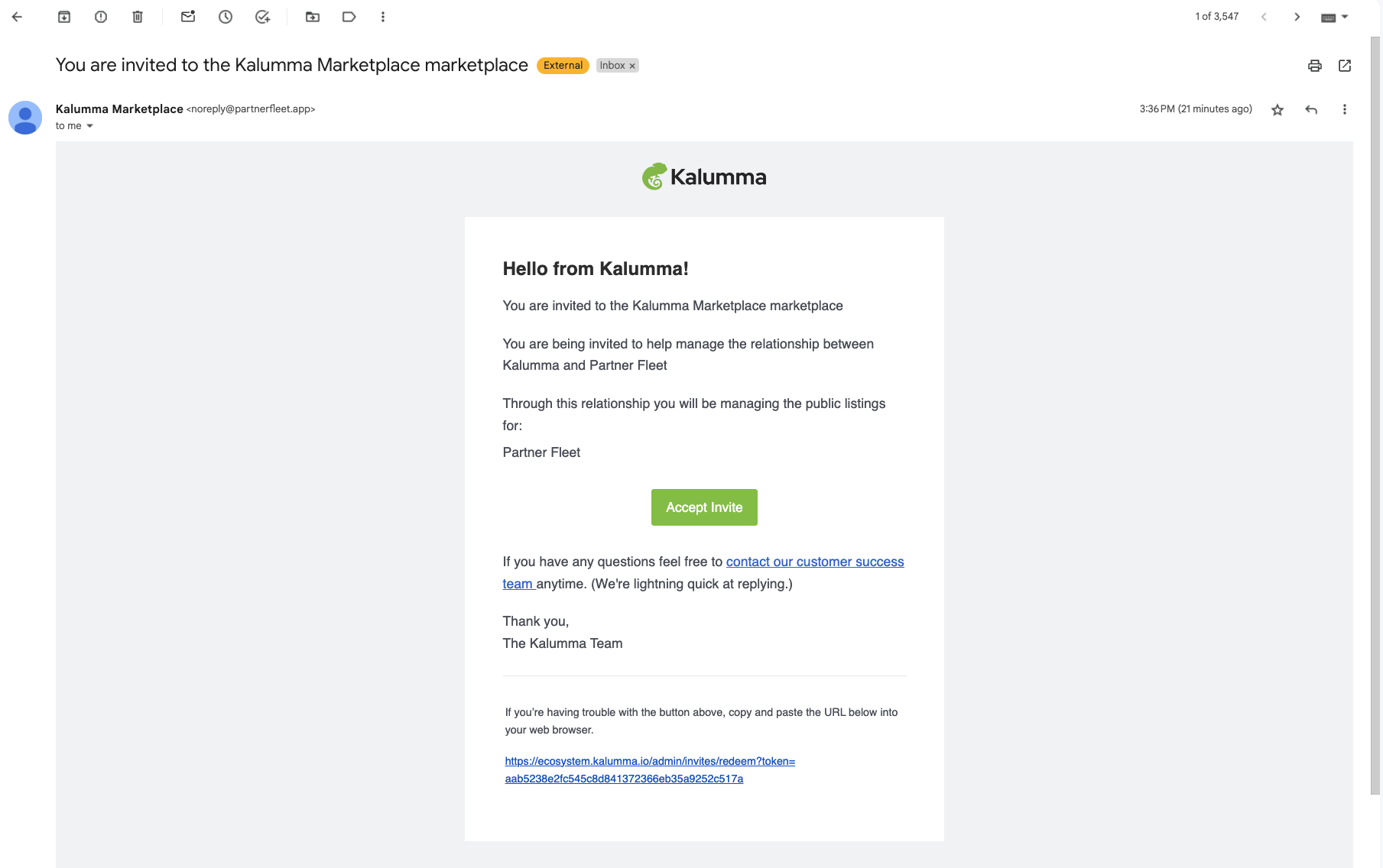
Once you've opened your email invite click on the Accept Invite button in the body of the email.
See Screenshot
You will be prompted to create a password
See Screenshot
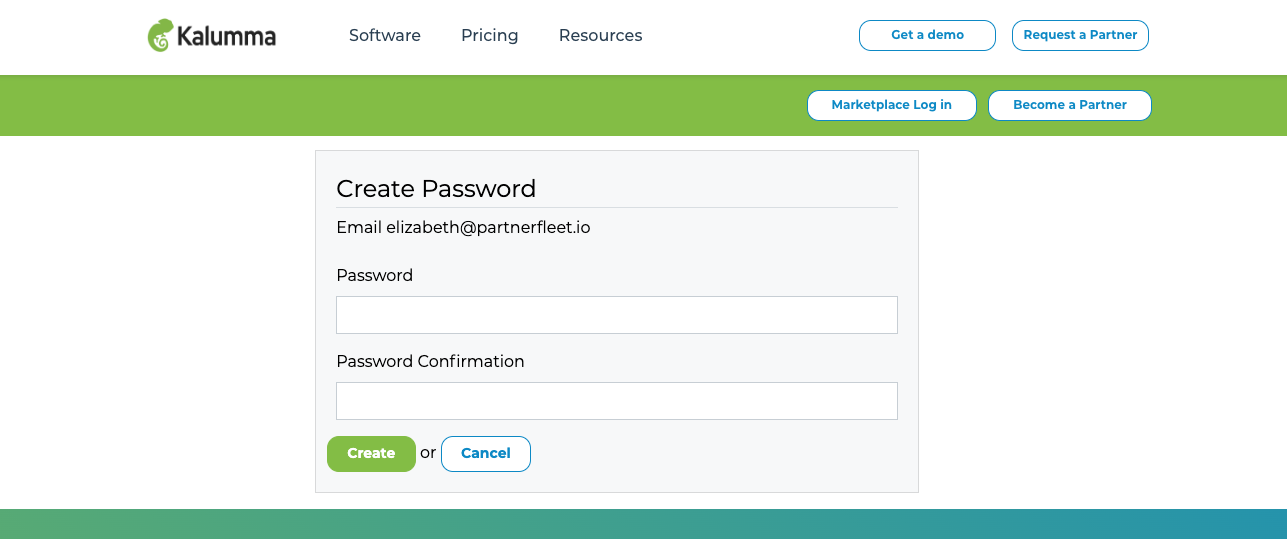
Once you've successfully added a password and password confirmation, click Create.
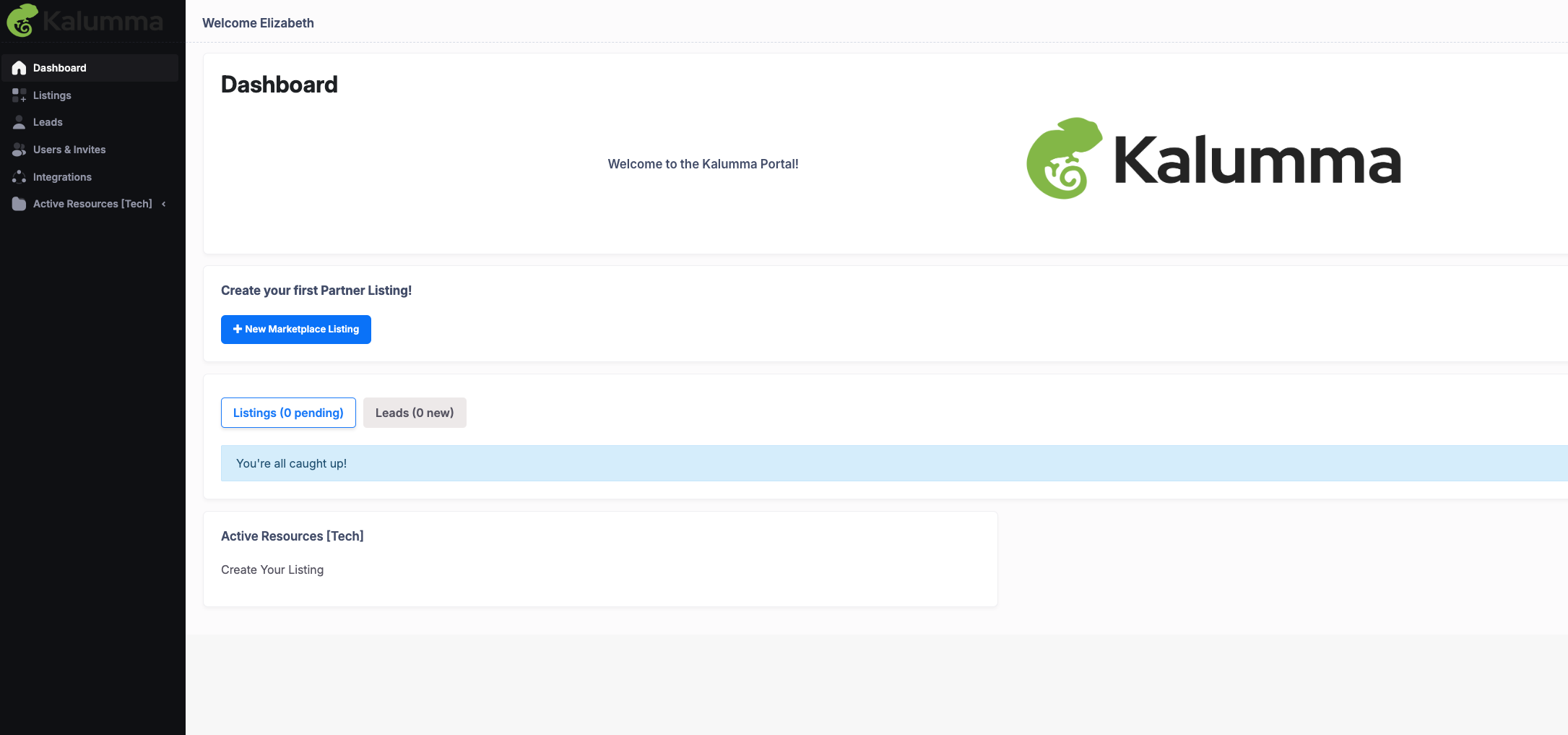
You will be taken to your dashboard view, which will vary based on what your partner has implemented. For example, you might see enablement resources, partner agreements, click-through terms and conditions, and a Call to Action to either update or create your Marketplace listing.
See Screenshot
Updated over 1 year ago