

Inviting Team Members
How to Invite Your Team Members
If your partner has granted you permission, you can invite team members to assist in managing your marketplace listings. Invited team members will have access to make updates and submit listings for approval.
Navigate to the Users & Invites section in the left-hand menu. This section allows you to edit your account information. Click on the the Invite tab to view invite history and to create an Invite.
See Screenshot

To invite a new team member, click + Create Invite in the top right corner.
See Screenshot

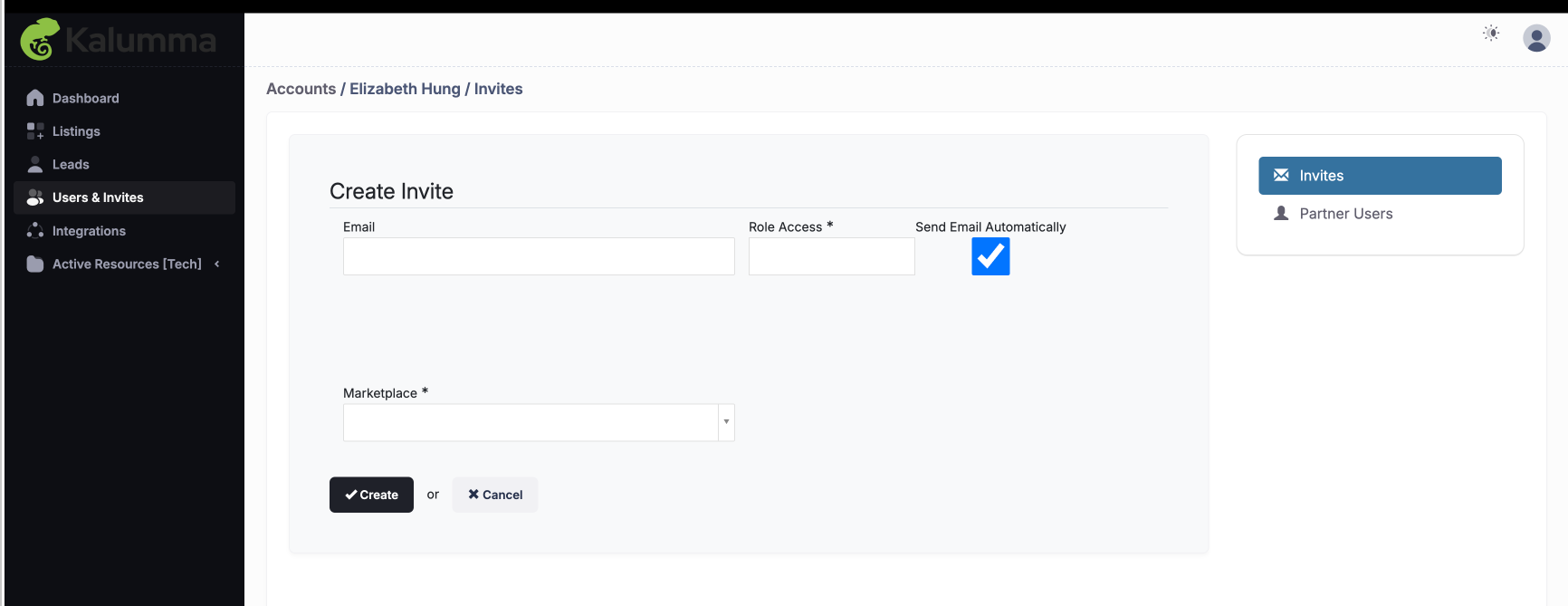
From here, you can enter their details and send an invitation to join. Enter the Email of the user and select their Role Access. Click "Create," and an email invite will automatically be sent to the new user to join the Marketplace. The user will then be prompted to create their account and log in.
See Screenshot
Inviting team members makes it easier to collaborate and keep your listings up-to-date. Ensure each invitee understands their responsibilities and has the necessary permissions to contribute effectively.
Updated over 1 year ago