

Setting Requirements
Template Requirements
Each section in the template allows you to set specific requirements. This feature enables you to define the necessary content your partner must complete before submitting their listing for review and approval. By establishing these requirements, you can minimize any back-and-forth with your partner about expectations. It also ensures that every listing adheres to a high standard, offering valuable and informative content for your marketplace visitors.
To enable requirements, simply hover over the section, and a configuration cog will appear.
See Screenshot
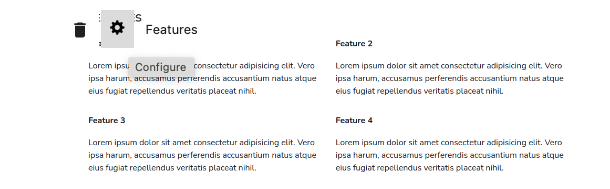
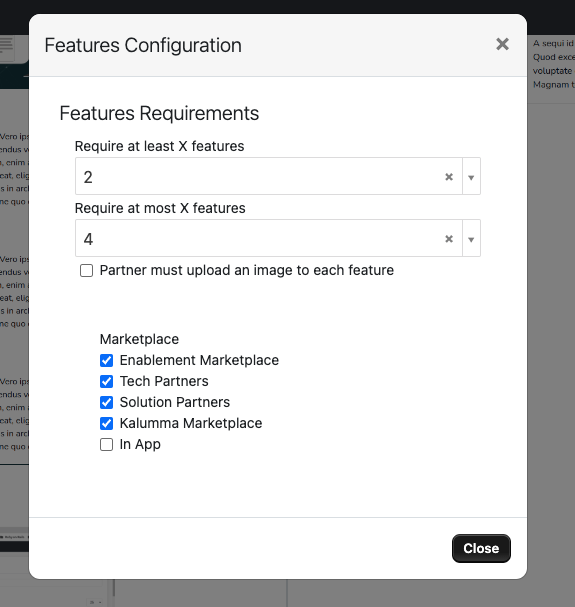
Click on the cog and set your requirement. Close to save.
See Screenshot
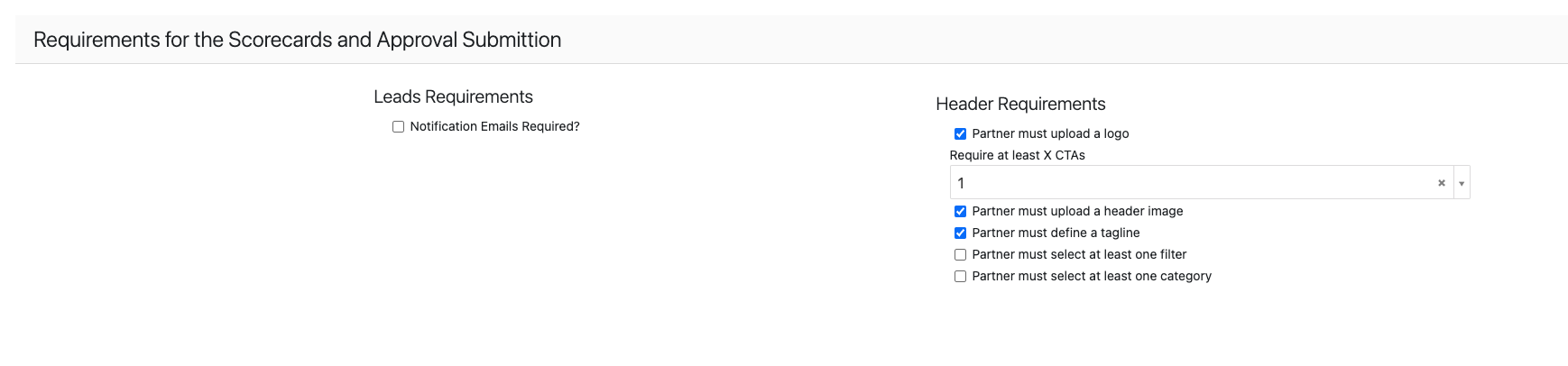
You also have the ability to set requirements for lead notifications, header content, filters, and categories, ensuring that all critical elements meet your standards.
See Screenshot
Updated over 1 year ago