

Portal Overview
Partner Portal Overview
The Portal is a central hub for managing all partner-related activities, from accounts and resources to forms and listings. It provides partners with easy access to resources, submission forms, and management tools specific to their role in your program. Partners can:
- Access program-specific resources and content.
- Complete forms to submit additional information.
- Manage and update their listings.
- Invite team members.
- View analytics related to their listings.
Access levels are determined by user roles, with permissions allowing users to access relevant resources across multiple roles if needed.
ImpersonateYou can impersonate any user in the system to see what they have access to and how it looks for them. Users -> Impersonate
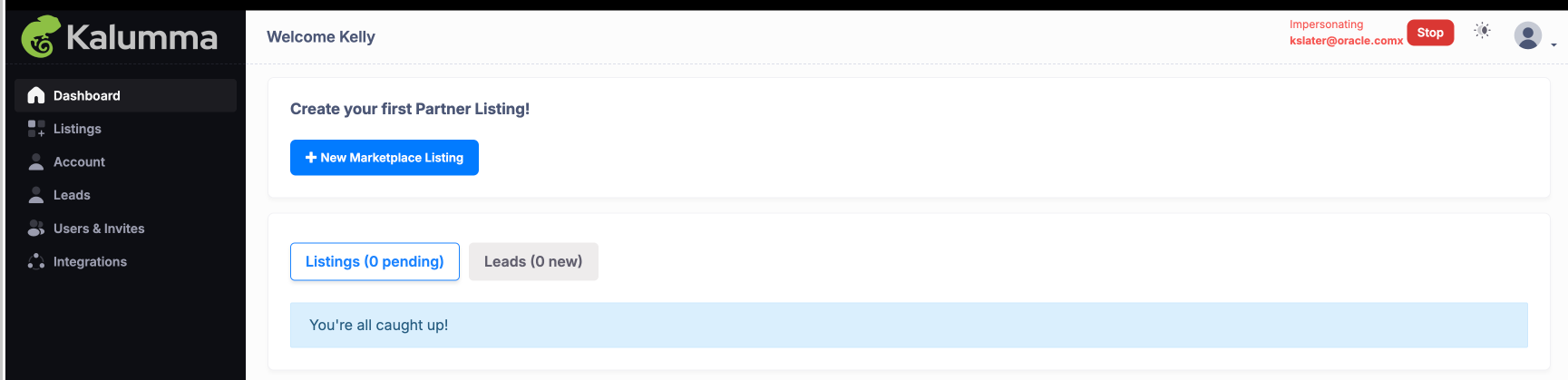
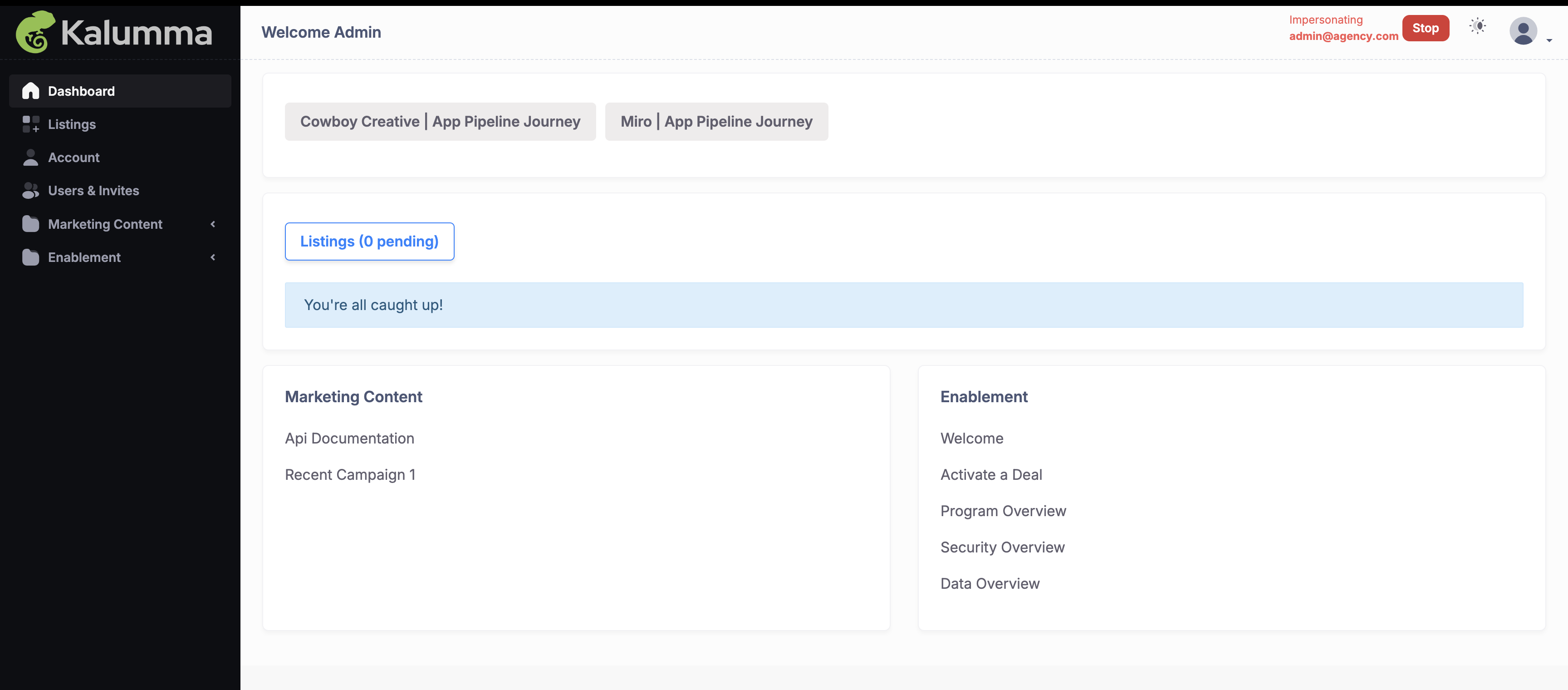
The features and options available to a partner upon login will depend on their assigned role and permissions. Each role has tailored access levels, determining what tools and information are visible to the partner, ensuring a customized experience that aligns with their responsibilities.
Example 1:
Example 2:
Sidebar Navigation Overview (Permissions-Based)
Depending on permissions, partners have access to the following sections:
- Listings: Manage listing details and access in-depth analytics for performance tracking.
- Accounts: Update profile settings and reset passwords as needed.
- Users & Invites: Invite teammates and manage user roles within the portal.
- Analytics: View detailed, listing-specific analytics to monitor engagement and optimize listings.
- Integrations: Access tools like Partner Stack, Crossbeam, and Slack for seamless integration if enabled.
- Enablement Materials: Access relevant content and resources based on created folders.
- Forms: View and complete assigned forms (e.g., tech reviews, MDF requests), tailored to their role permissions.
Each section is dynamically tailored to enhance usability and provide partners with the tools they need to contribute effectively.
Updated over 1 year ago