

Registration Form
Use case for the Registration Form
A streamlined invite process for current and verified partners into your marketplace to create their listing. When using the Registration Form link you bypass the partner account approval process. The partner is able to create an account and manage their listing in a few easy steps.
The link should be sent directly to partners since it skips the admin approval stage. Not recommended for public use.
Walkthrough of the Registration Form Invite process
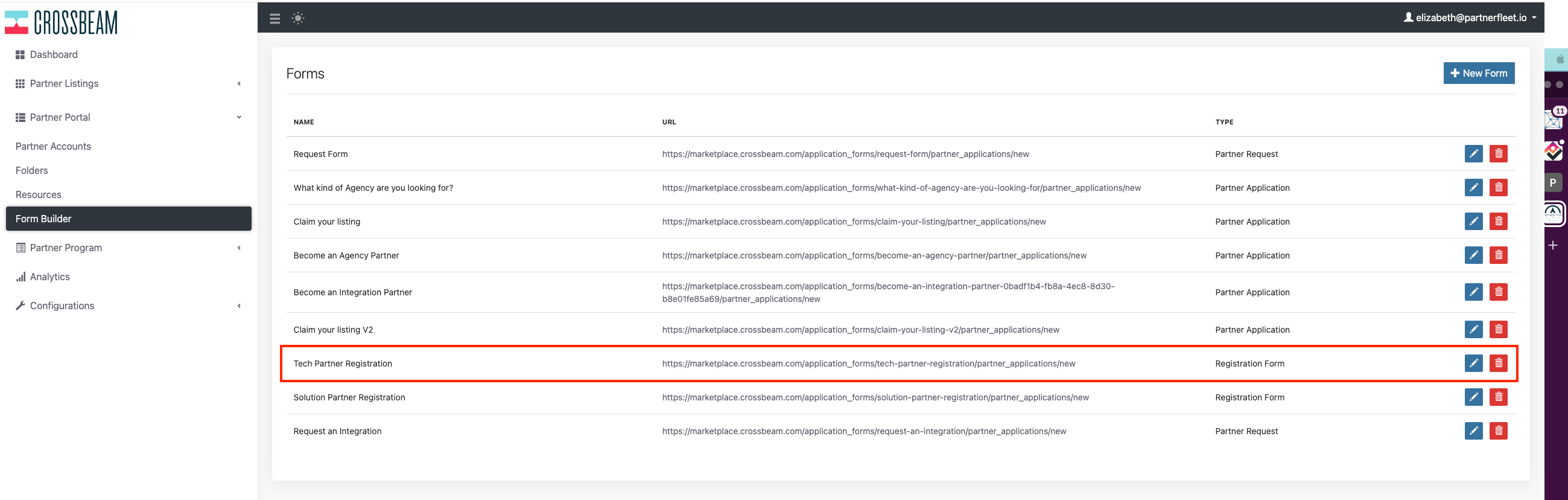
- In Partner Portal -> Form Builder copy the Registration Form URL that you would like to share with your partner.
See Screenshot
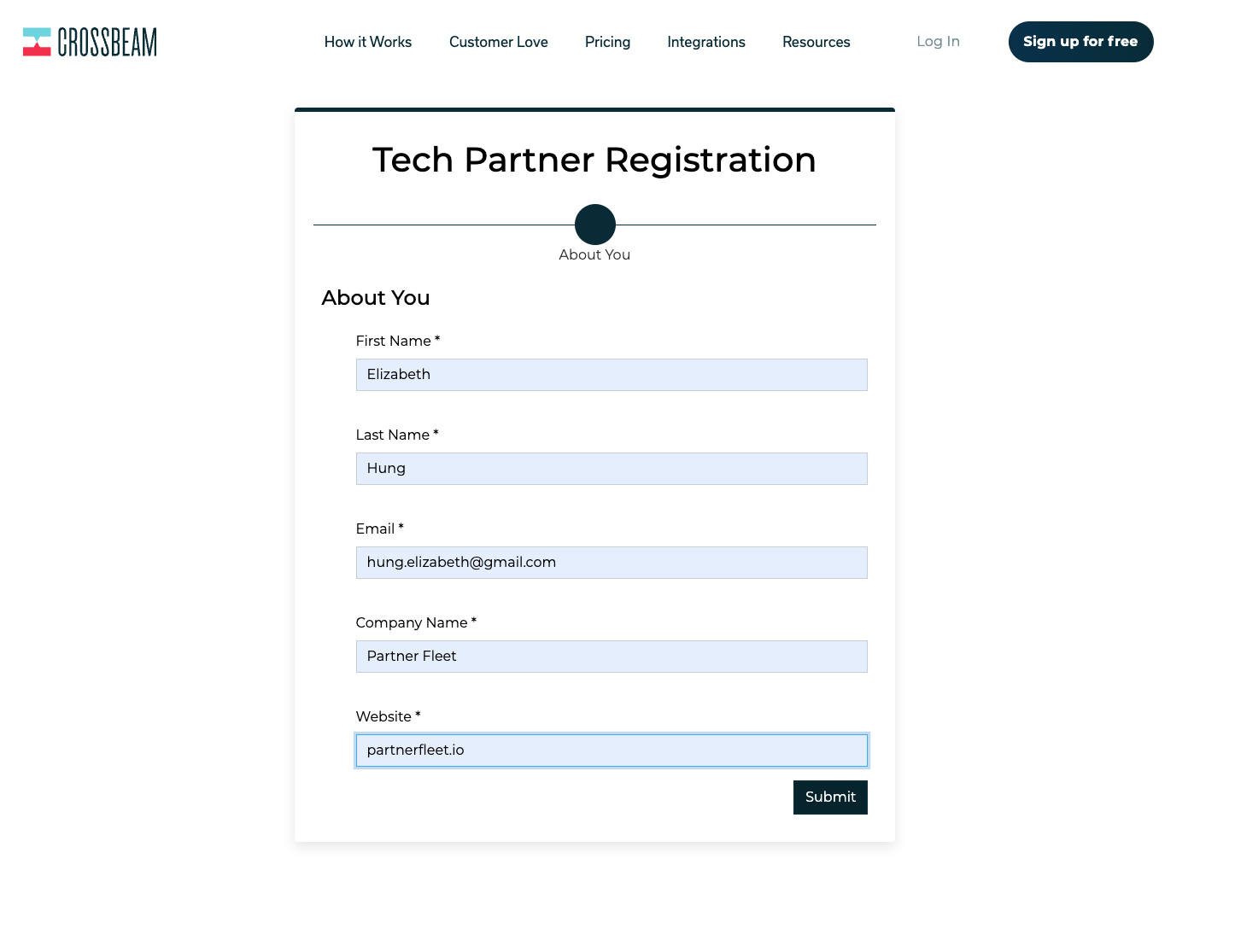
- The partner will complete the required fields and click Submit.
See Screenshot
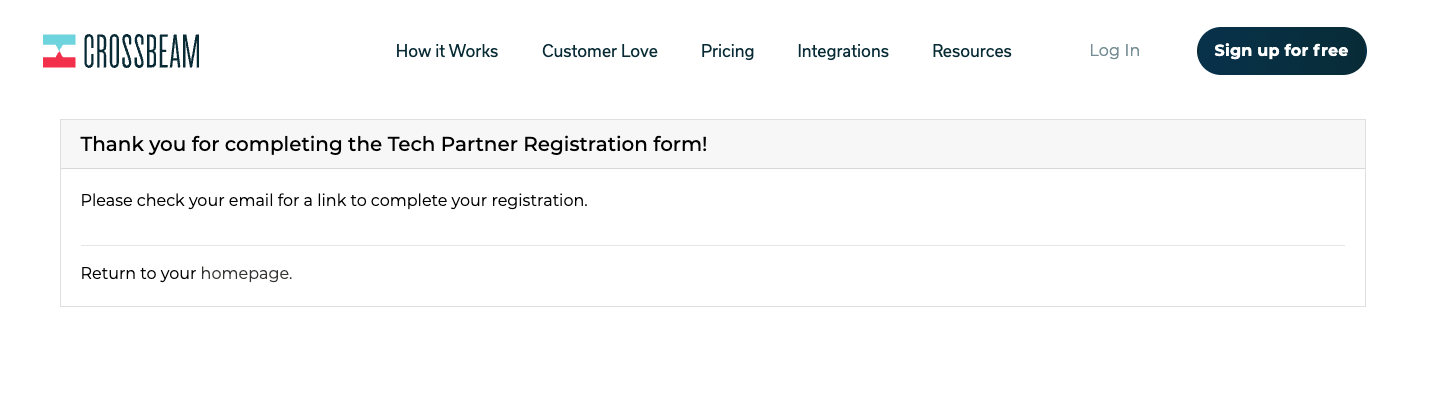
- Once the form has been submitted the partner will receive a confirmation message letting them know that they need to check their email to complete the registration.
See Screenshot
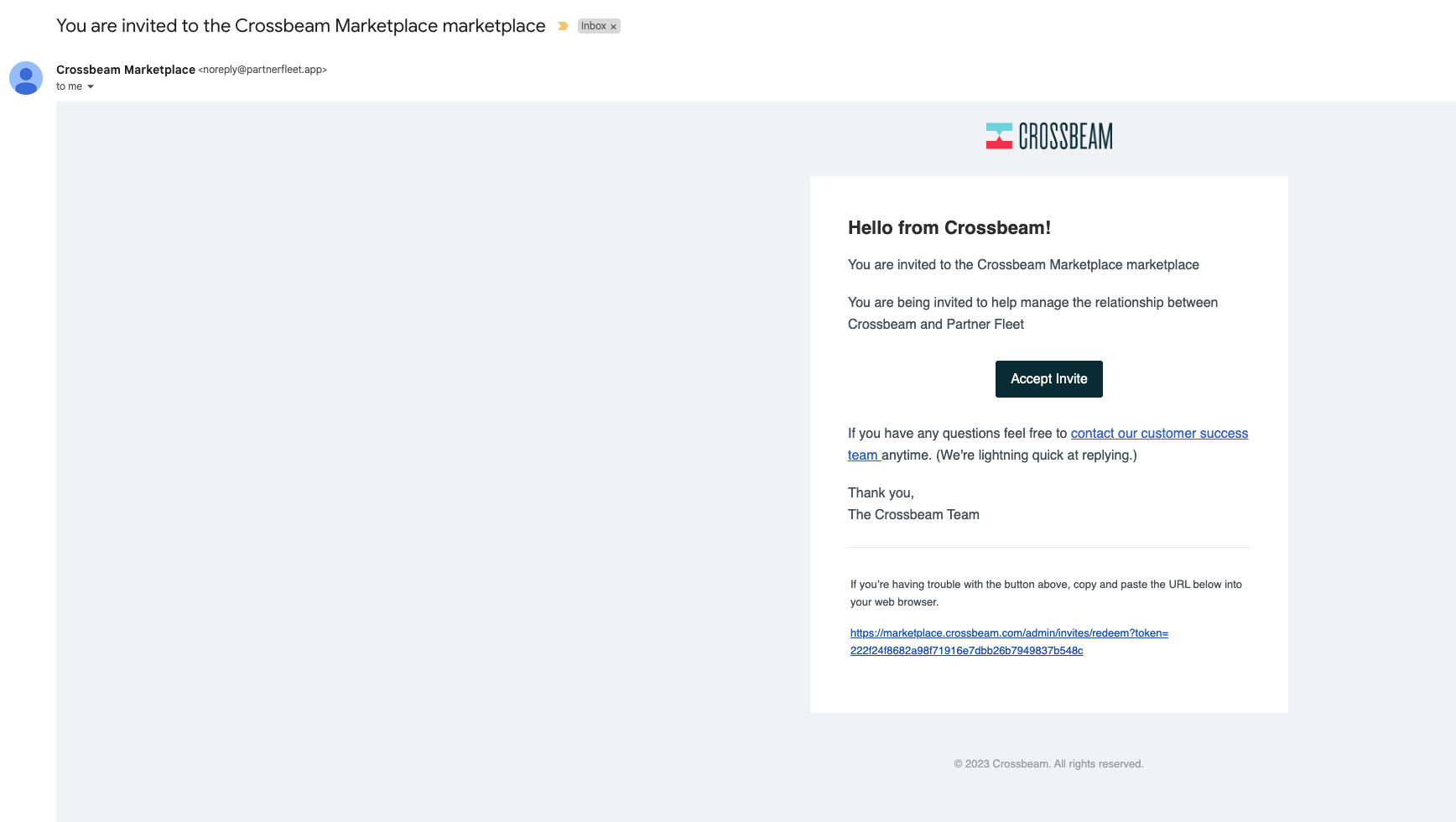
- Once received, click on the Accept Invite button. The email invite is sent out immediately after the form is submitted.
See Screenshot
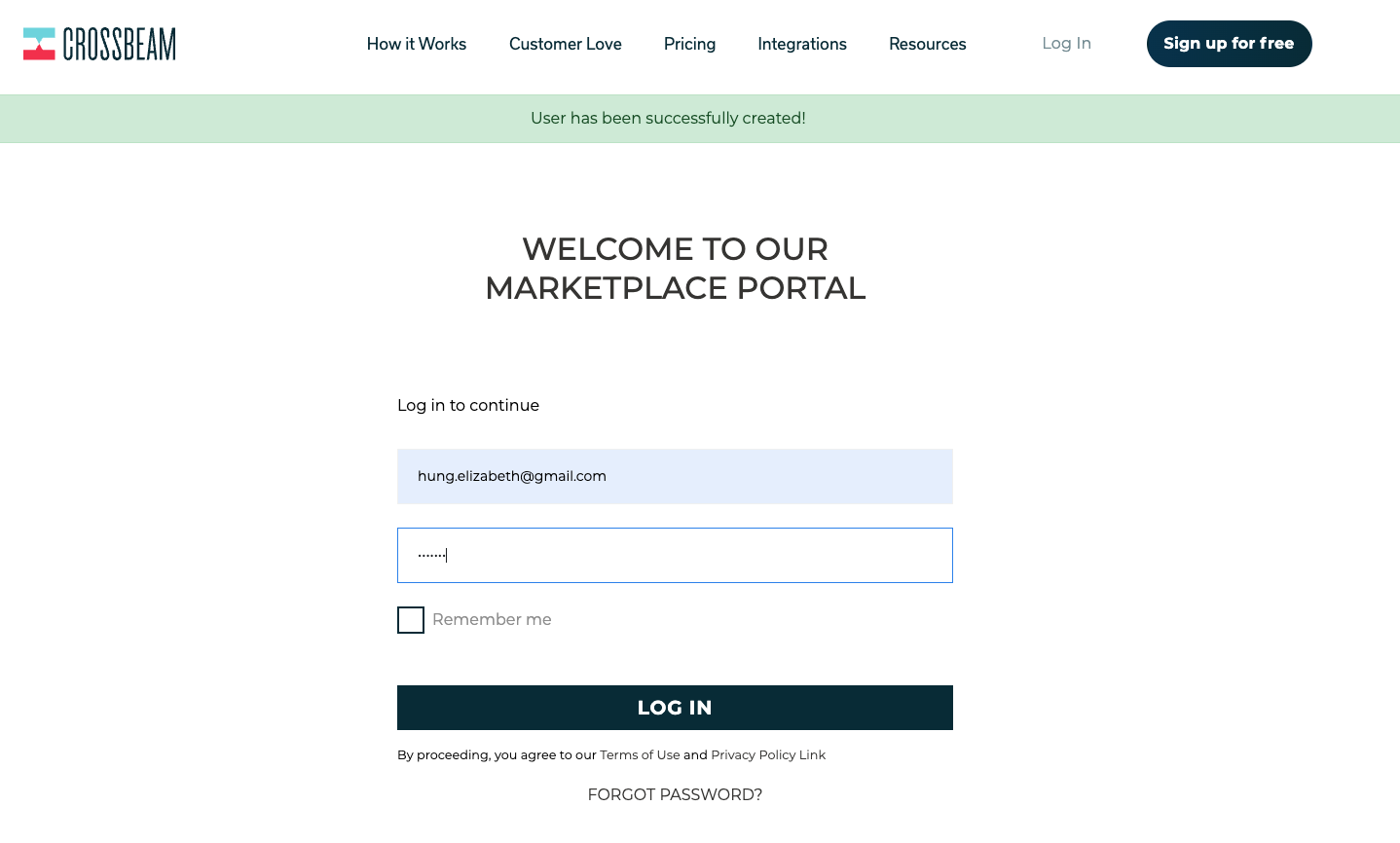
- The partner will be brought to the Marketplace Portal login page and be prompted to log in.
See Screenshot
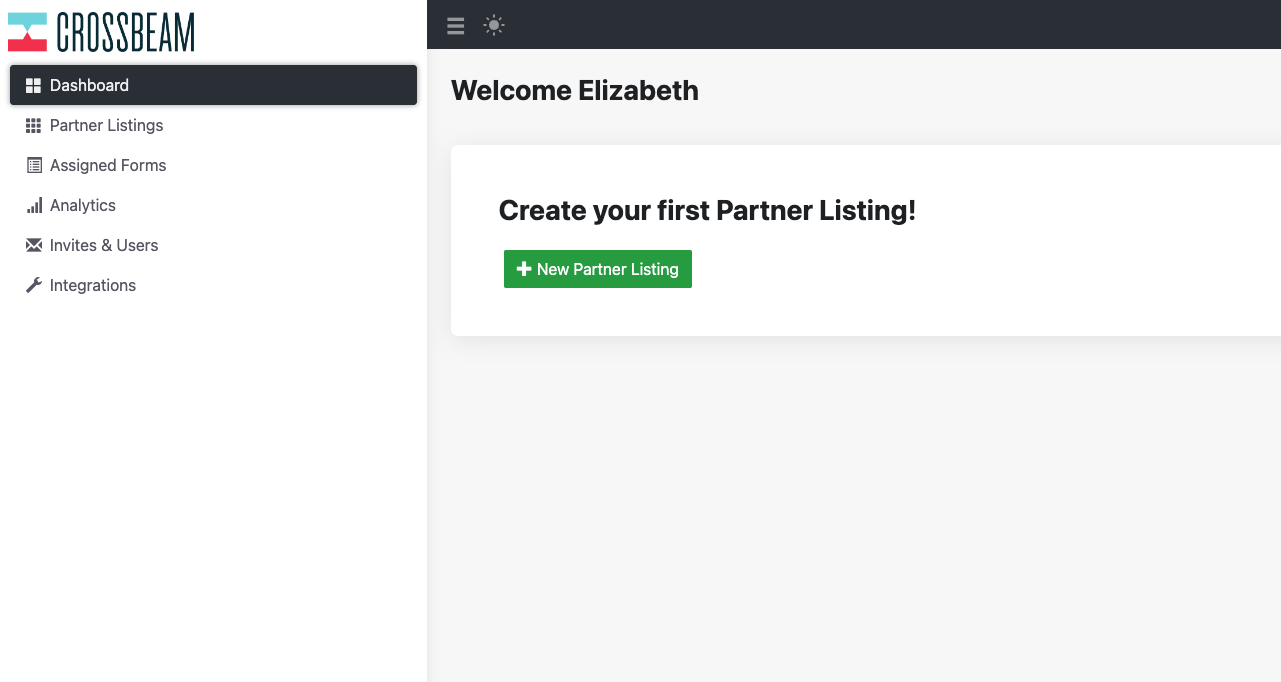
- Once logged in the partner will be brought to their Dashboard and can immediately start creating their partner listing.
See Screenshot
- There is a GuideMe button at the bottom left corner of the Marketplace. When clicked on it will begin a guided walkthrough reviewing the steps needed to update and submit a listing for approval.
See Screenshot

Updated over 1 year ago
Did this page help you?