

Assign one partner account to multiple listings
How to add one partner account to multiple listings
-
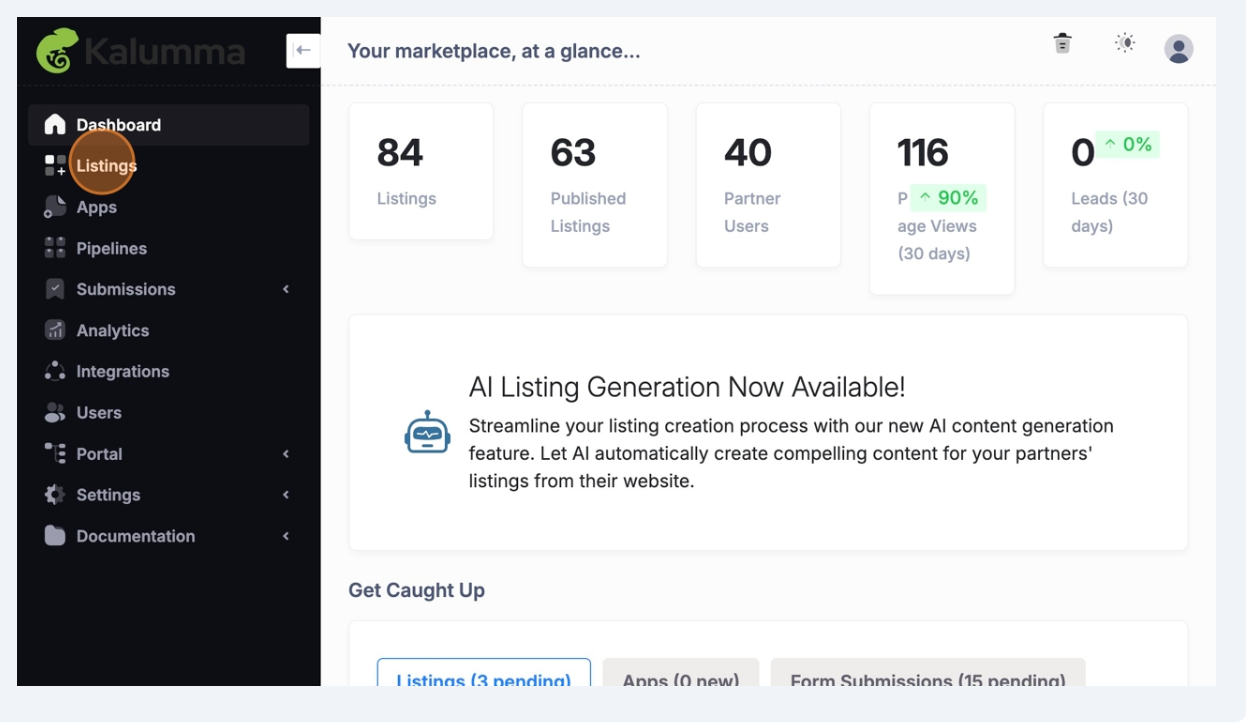
Navigate to "Listings" on the side navigation
-
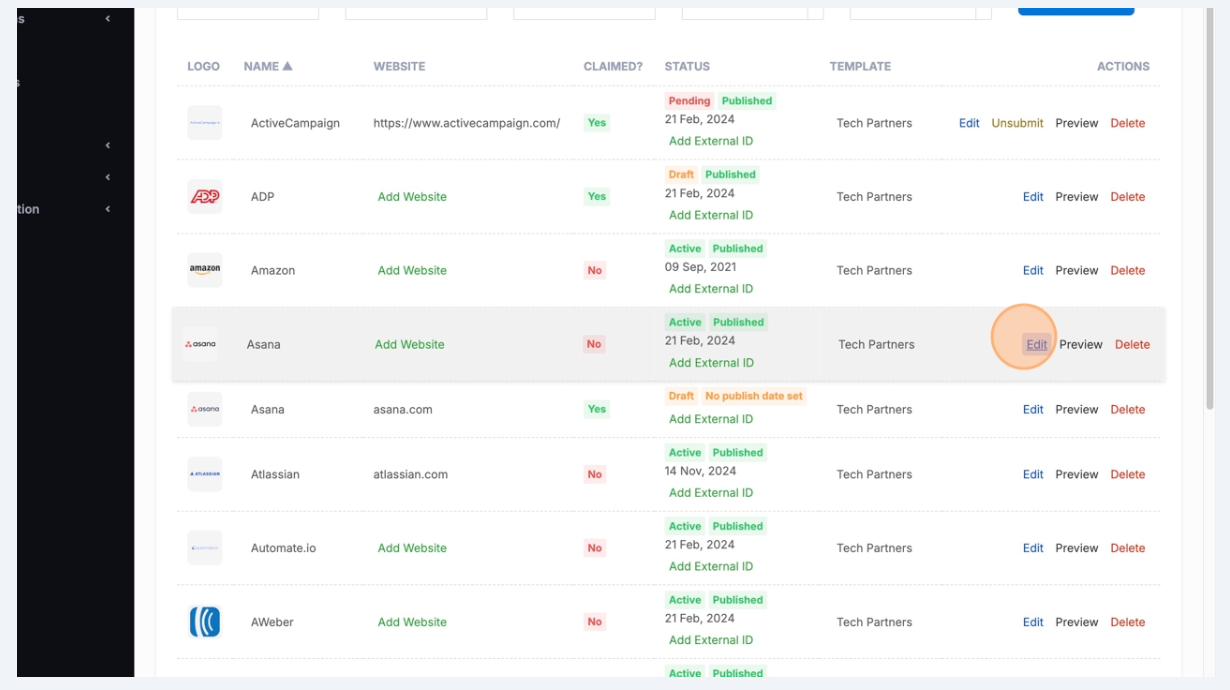
Click "Edit" on the listing you want to assign to an existing partner account
-
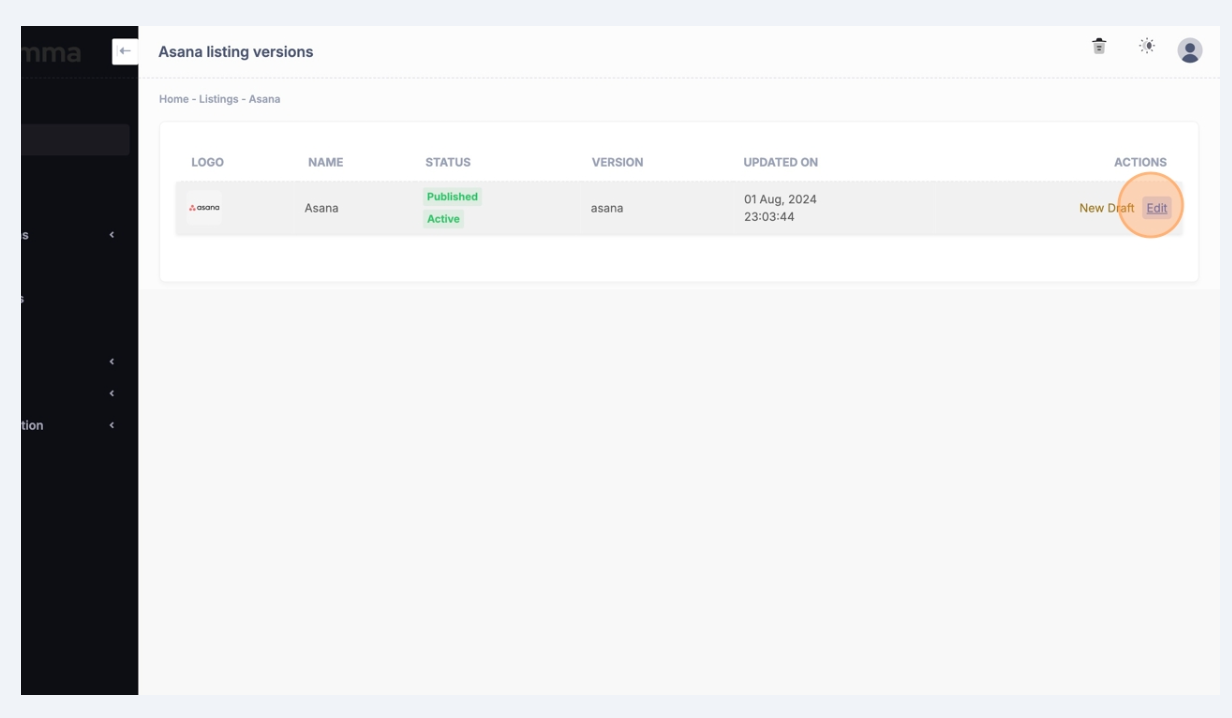
Click "Edit"
-
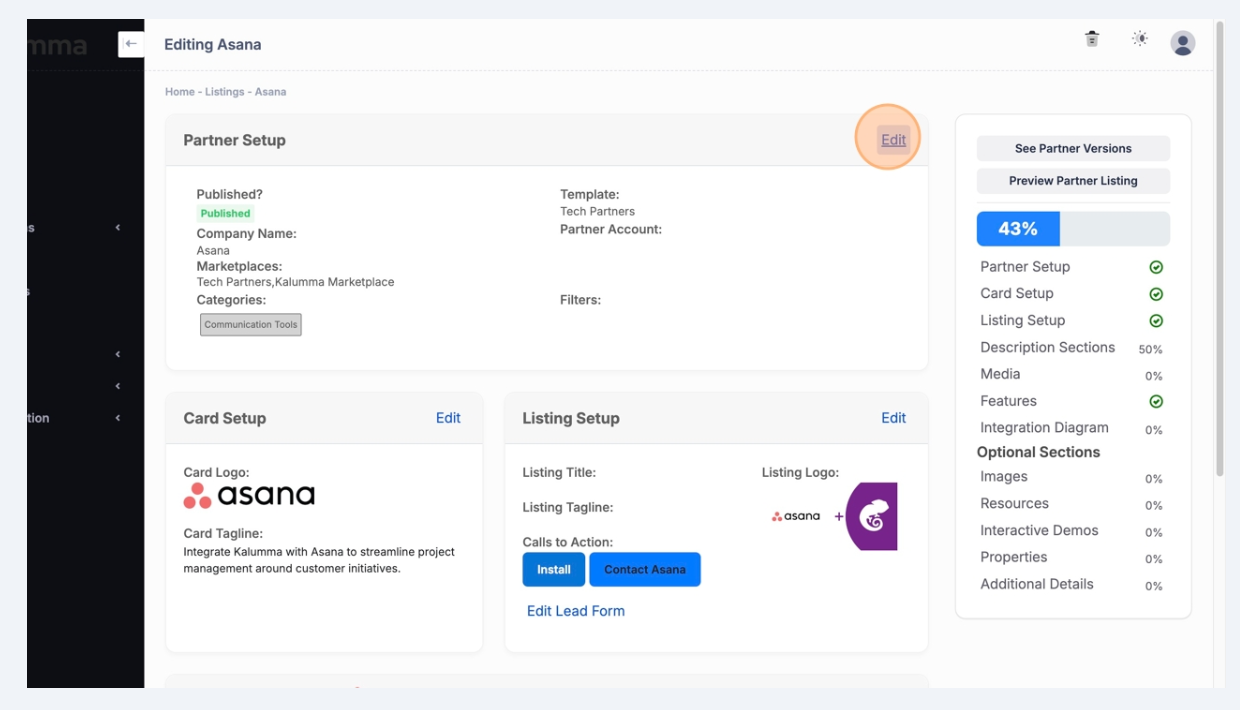
Click "Edit" in Partner Setup section
-
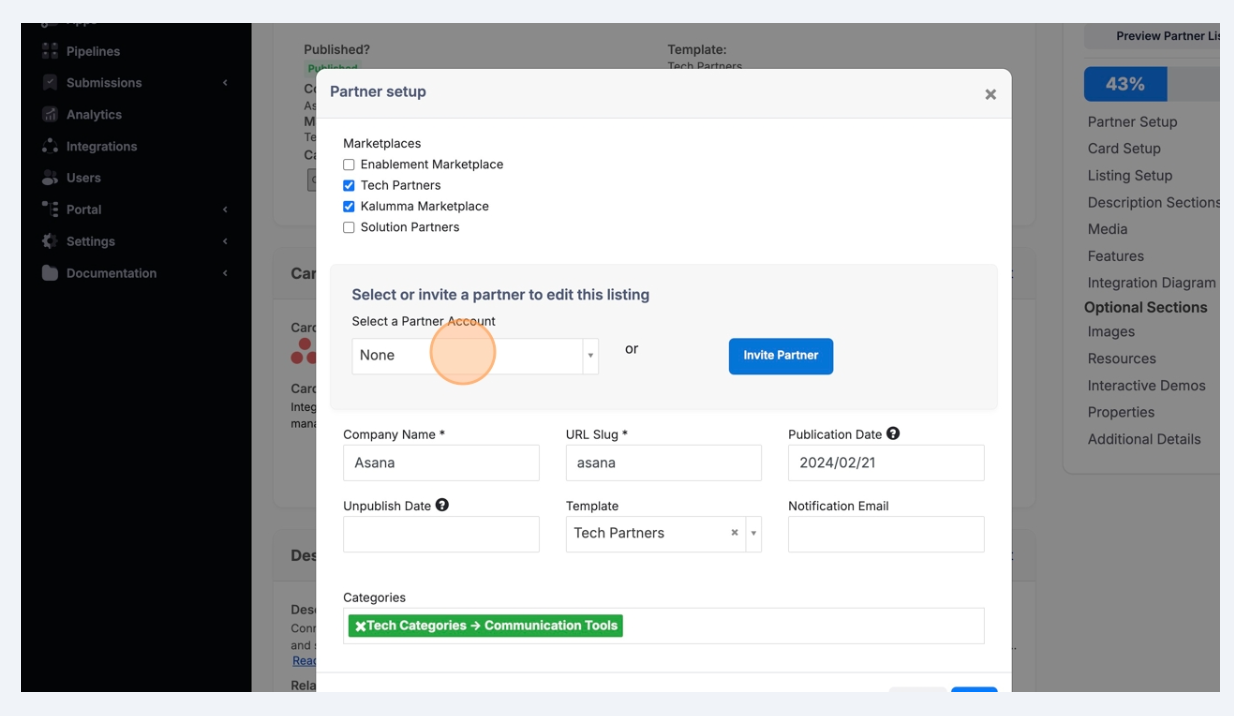
Click into the drop down menu to "Select a partner to edit this listing"
-
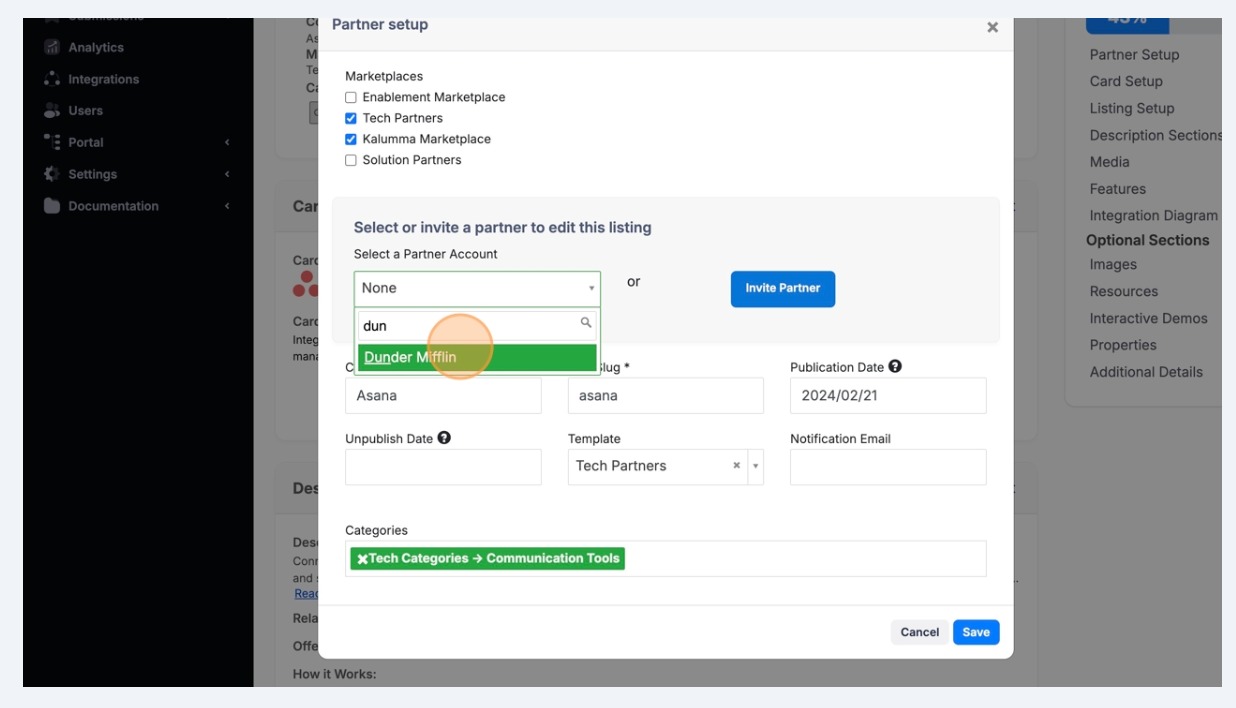
Type the name of the partner account you want to manage this listing and select it from the drop down menu
-
Click "Save"
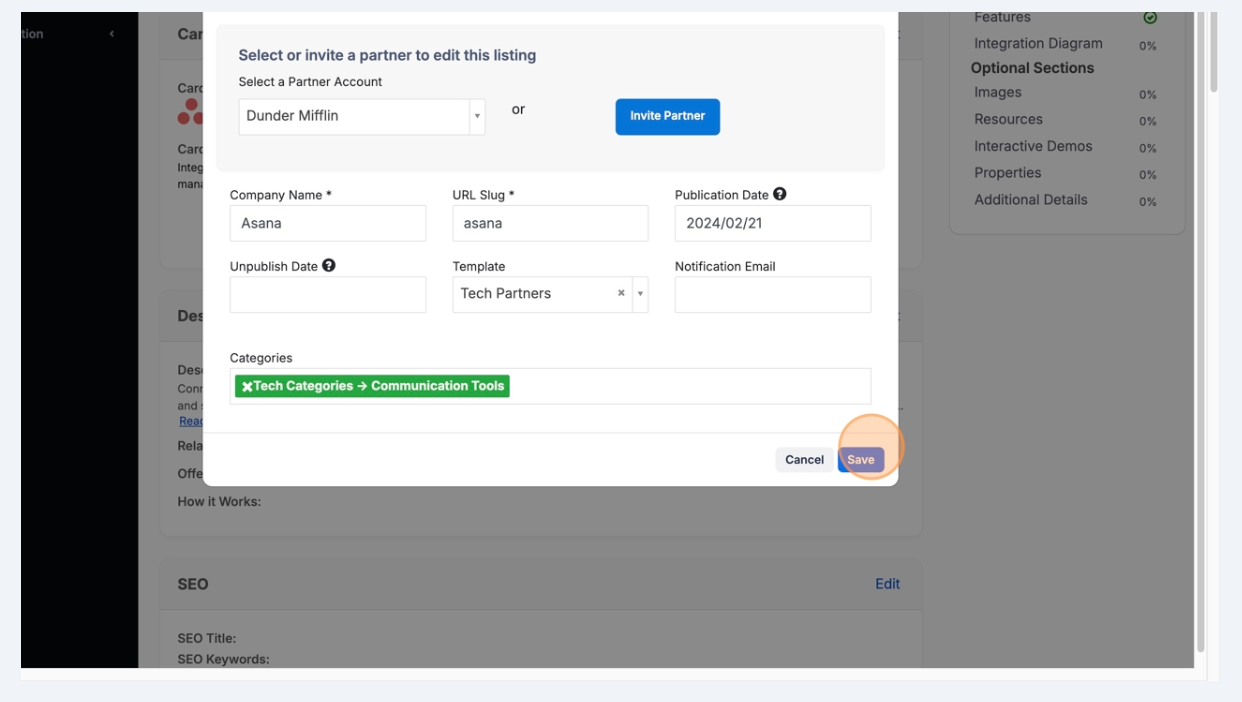
The partner will have access to this listing from their Dashboard.
To view the partner's dashboard and see all the listings they manage
-
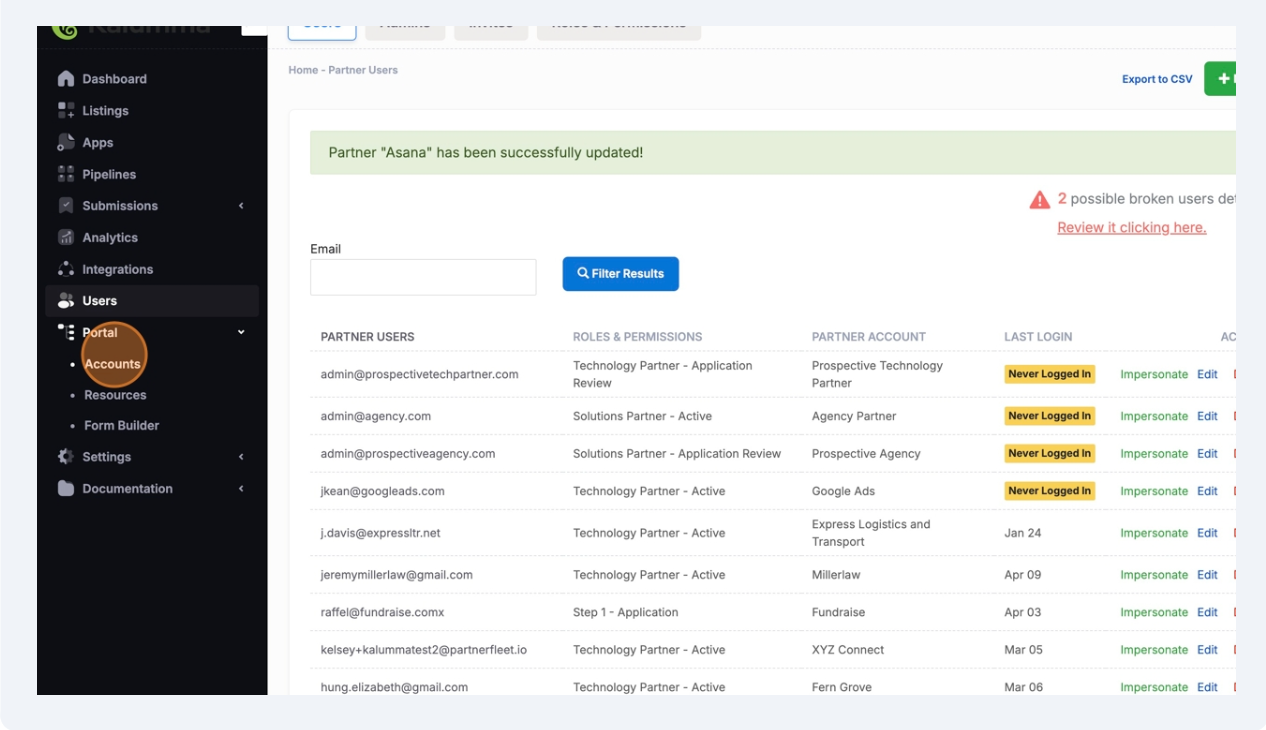
Navigate to "Portal" > "Account" in side nav
-
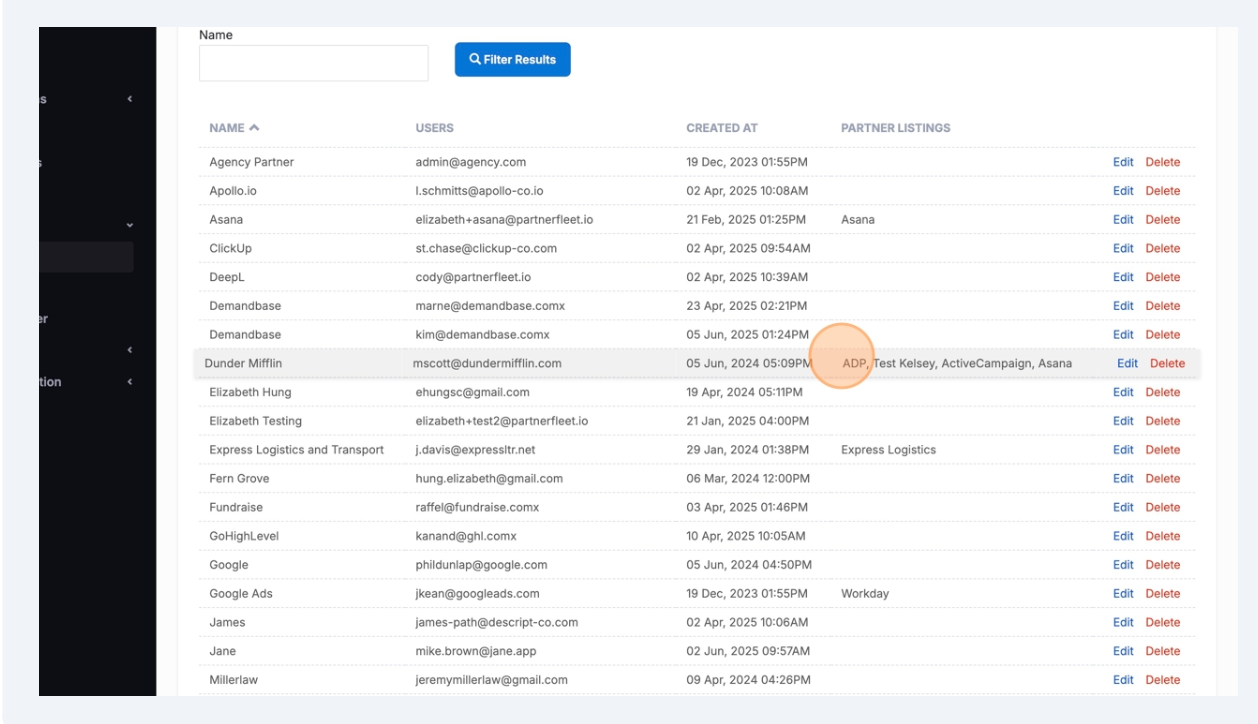
All partner listings attached to a partner's account are shown in the column "Partner Listings"
-
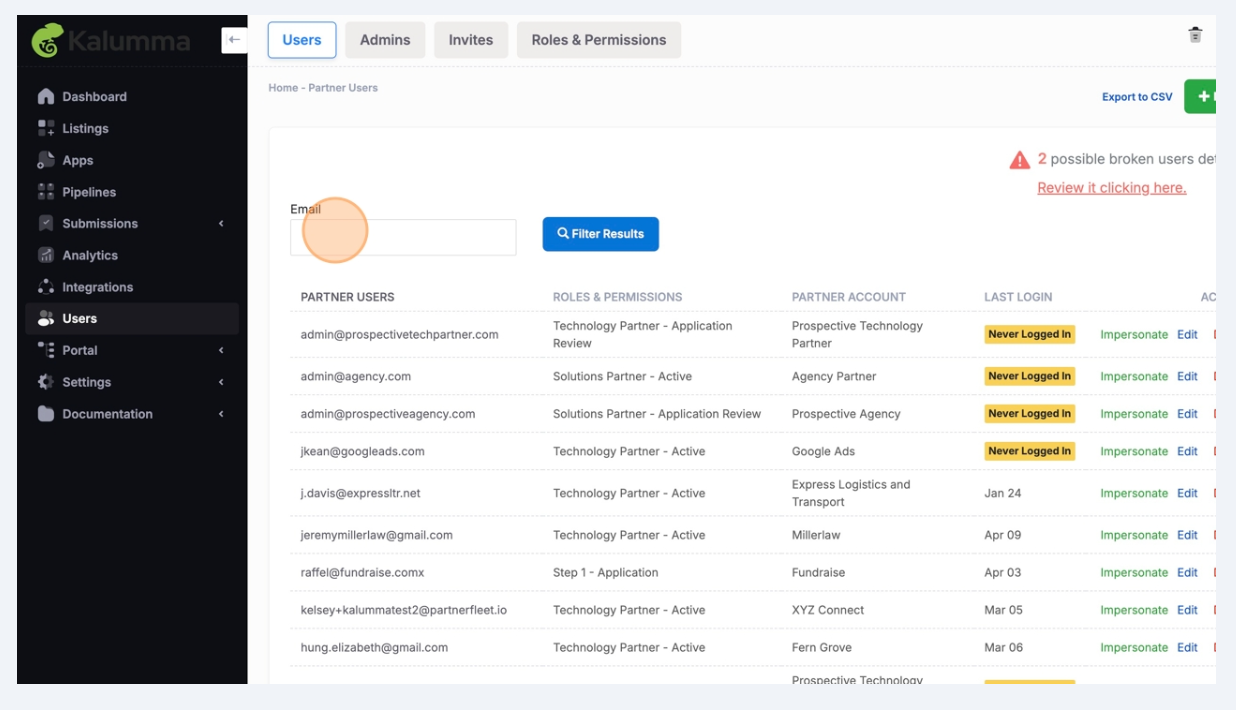
To impersonate the partner and see their dashboard with multiple listings, navigate to "Users" on the side nav, then search or find the partner's account
-
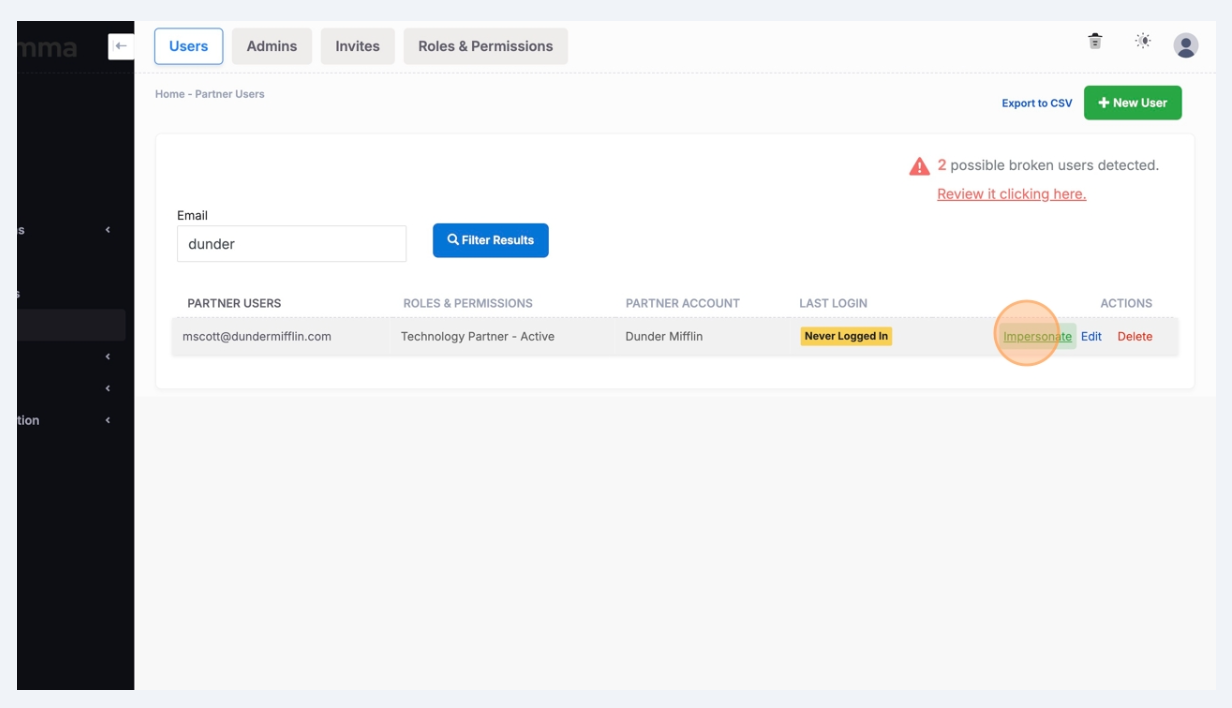
Click "Impersonate"
-
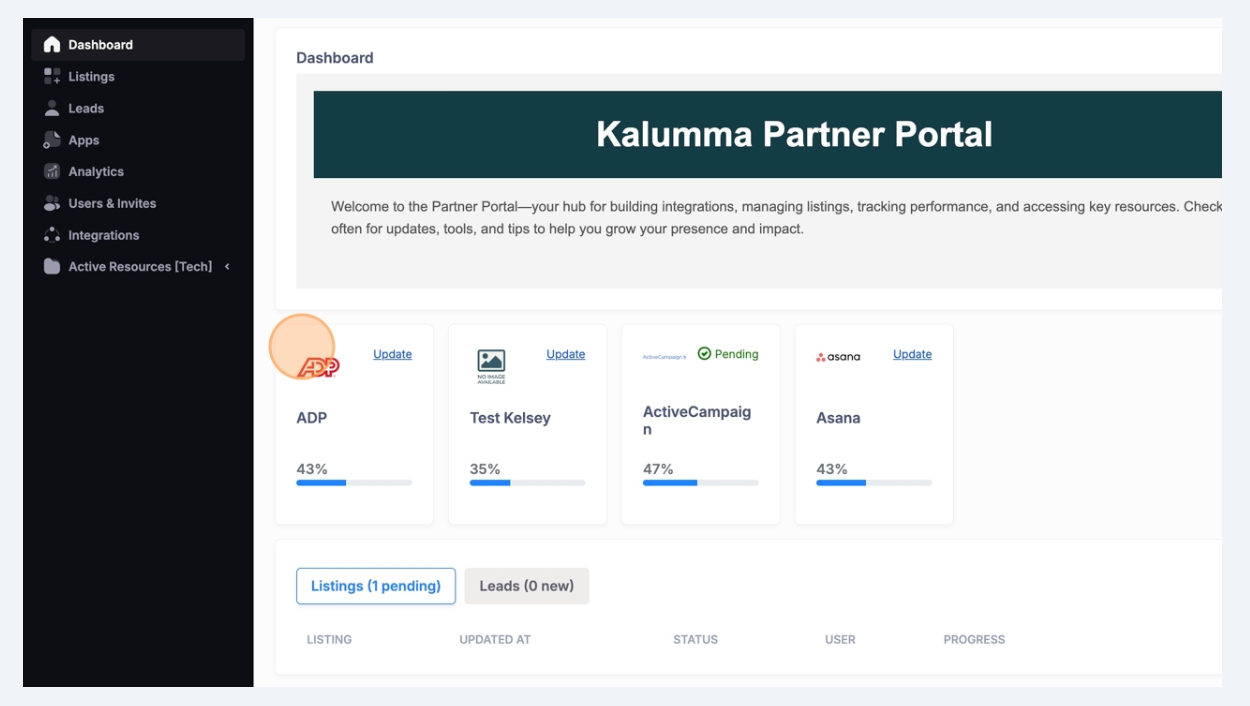
Partners will see all the listings they manage in their "Dashboard" view
Updated over 1 year ago