Documentation for Terminus Partners
How to Login on our Partner Portal
To login on our partner portal you need to go to the link that was sent to you, and you are going to enter a page with this form:
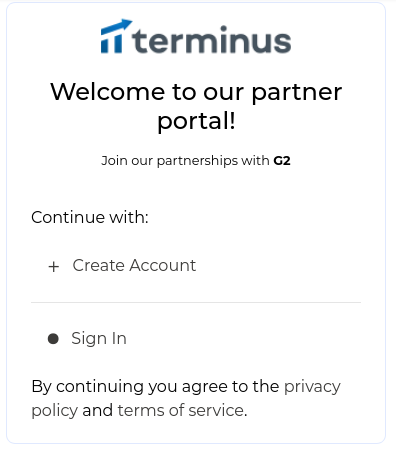
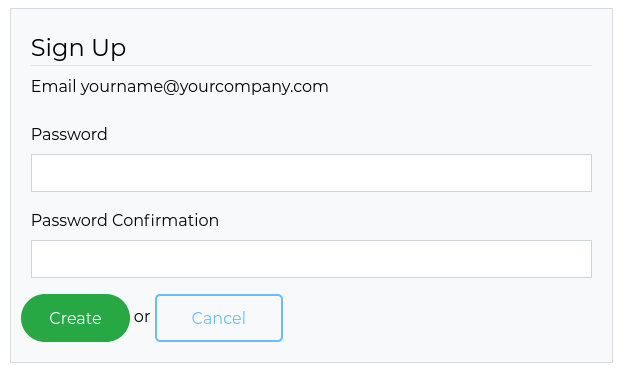
Just hit + Create Account and enter your Password / Password confirmation
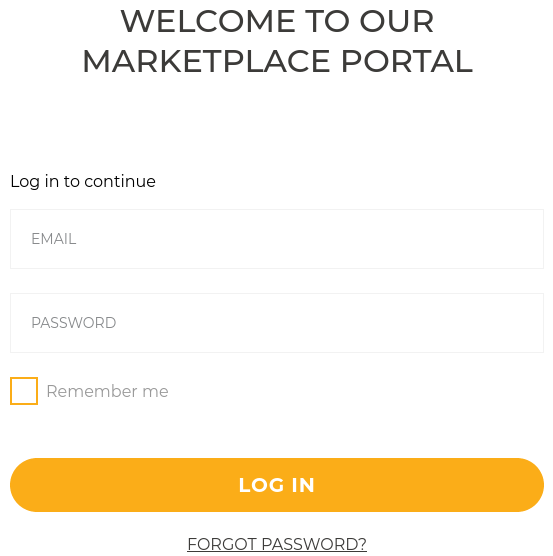
After setting your password, you will be redirected to the login page, where you just need to fill your email and password.
How to Edit your company profile
When you are already logged in, to edit your company profile is pretty simple, you just need to click on the menu Partner Listings > Partner Pages
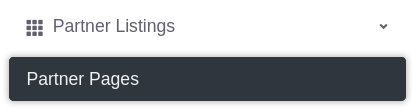
After that, you click on the Edit button:

Inside the Edit page, you will have the Right Sidebar with all the contents and you can edit. You can preview your partner page clicking at Preview Partner Page on the top right side of the page:

How to Invite your co-workers
To invite your co-workers, you need to click on the left sidebar Settings tab:

Then click on the right menu Invites:

Now you just need your co-worker email and the role your co-worker will be set.
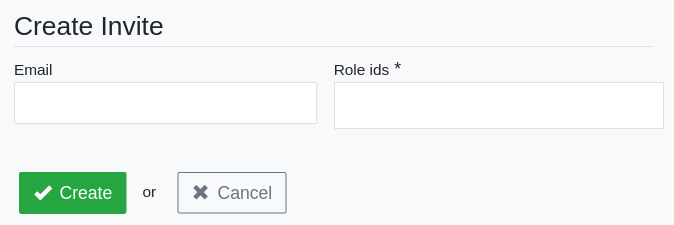
The process for your co-worker now will start on the step How to Login on our Partner Portal
How to Submit an Assigned Form
To Submit an Assigned Form you need to click on the Partner Program > Assigned Forms Tab
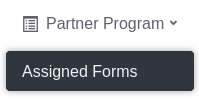
In the Assigned Forms page, you can click on the Edit button of the Form you want to answer.
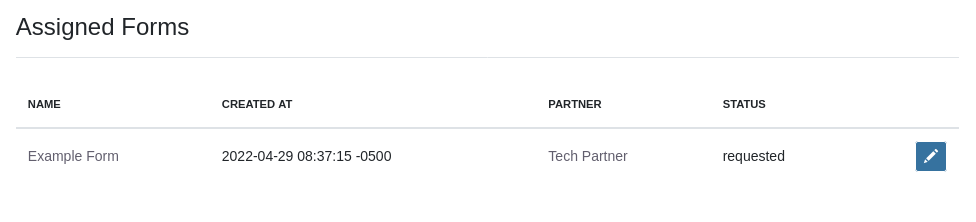
Now you just need to fill out the form and click Submit.